AKA Attendees Tracker
Event check-in that grew from a self-service kiosk, where soldiers scan their ID card, into a web system with many check-in stations and an organisers' dashboard.
- Idan Achrak — Team lead, main developer: kiosk; web from v0.1 to 1.0.0
- Noam Shadmi — Stabilised the first web attempt; built v0.1
01 / Paper sign-in sheets
AKA, the IDF Personnel Directorate, holds conferences and events where the organisers need to know who came. Attendance was taken on paper sign-in sheets at the entrance.
A paper sheet cannot tell the organisers how many guests have arrived so far, when each one came and left, or who turned up without being on the list, and the attendance report has to be put together by hand after the event.
- Paper sign-in sheets at the entrance
- No live count of who has arrived
- No record of when people came and left
- Guests who are not on the list
02 / What I built
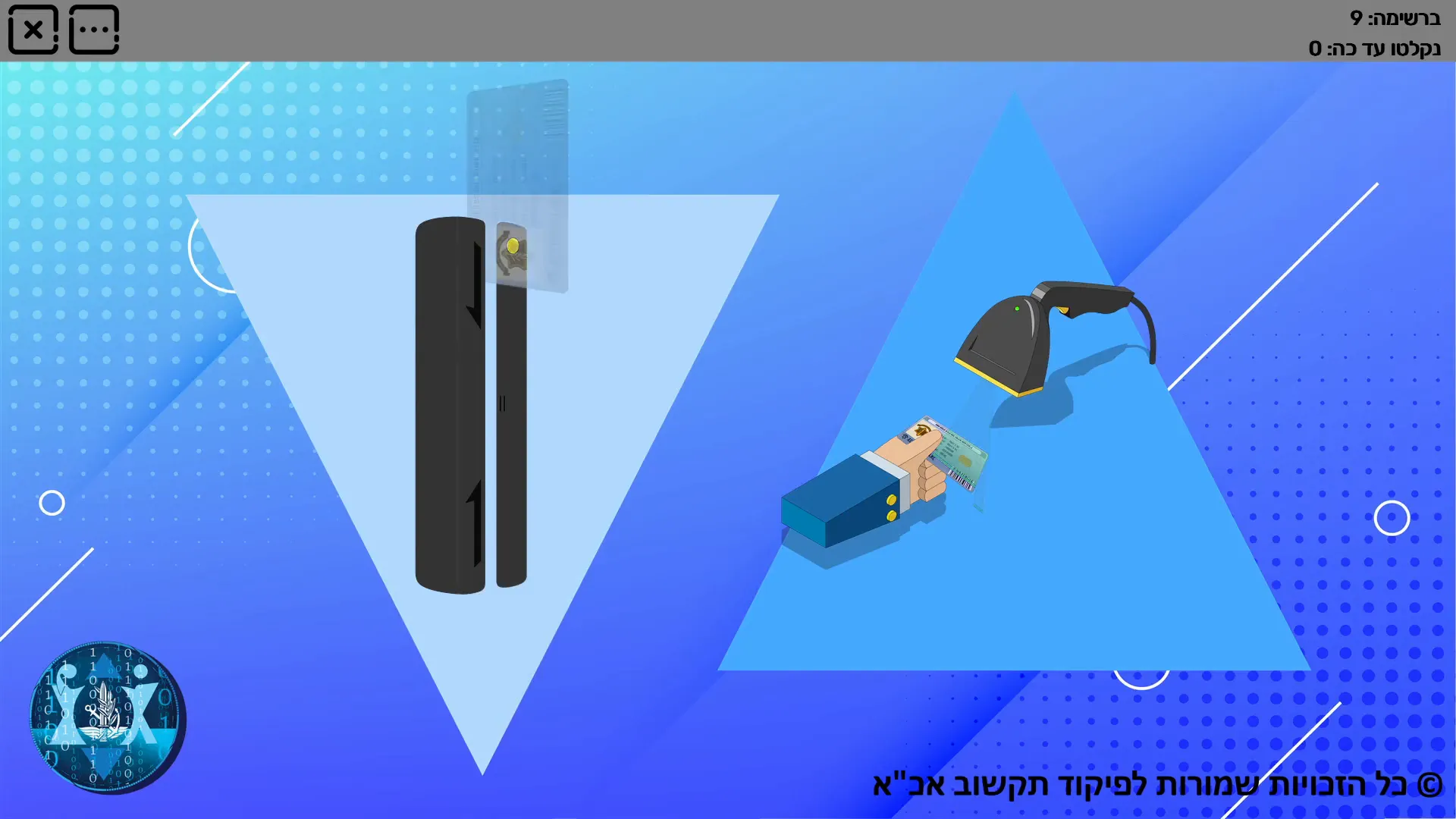
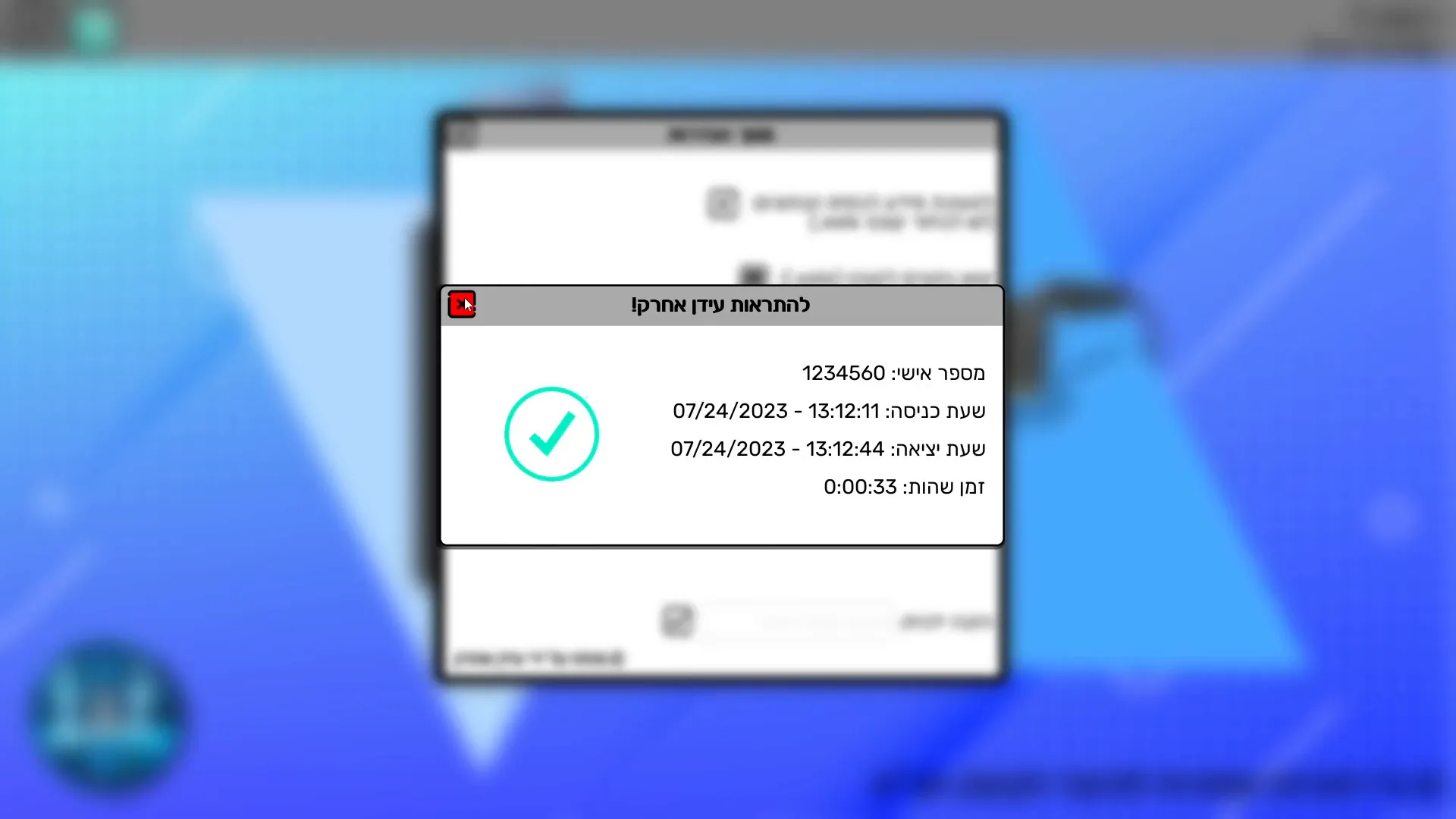
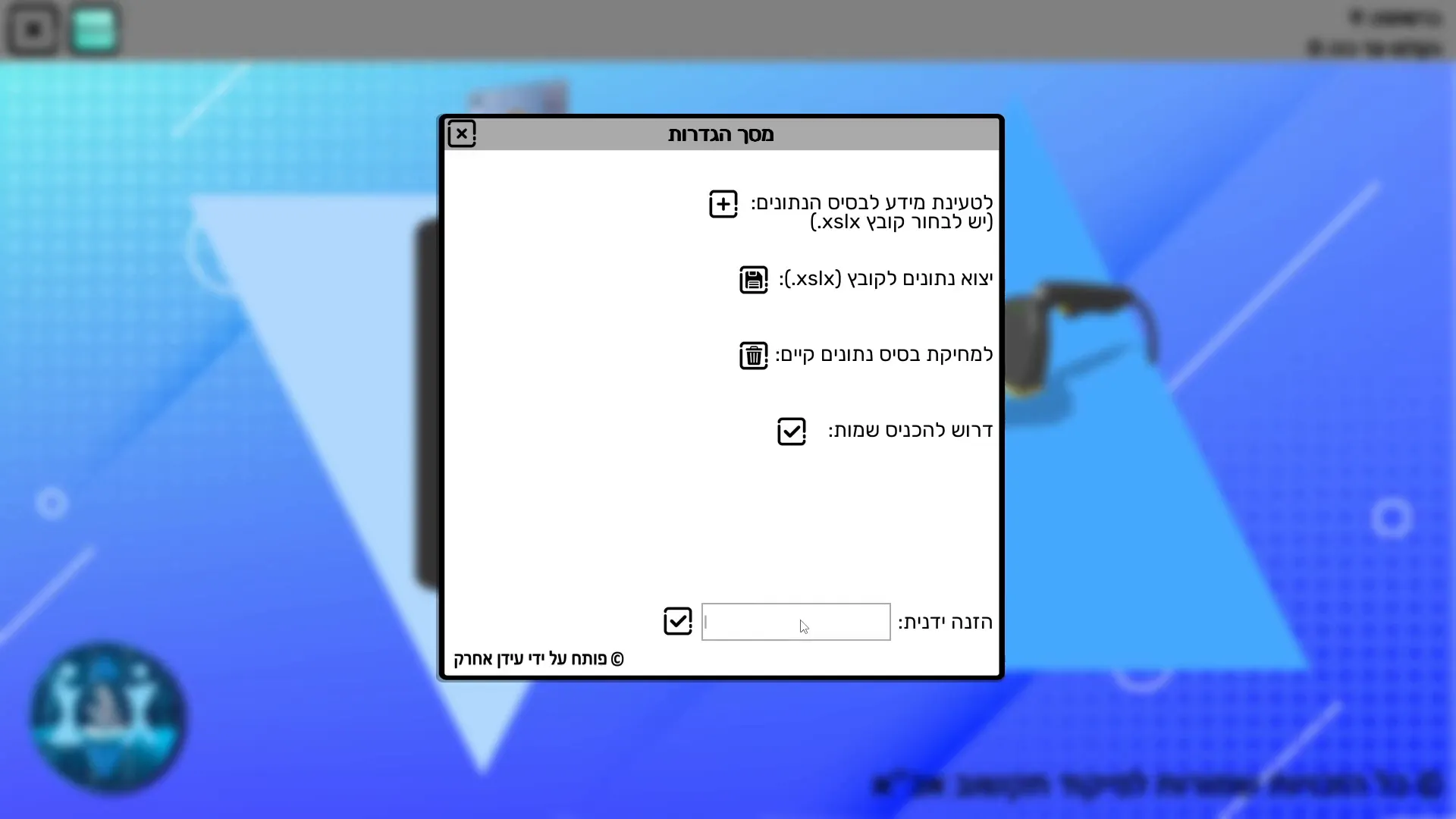
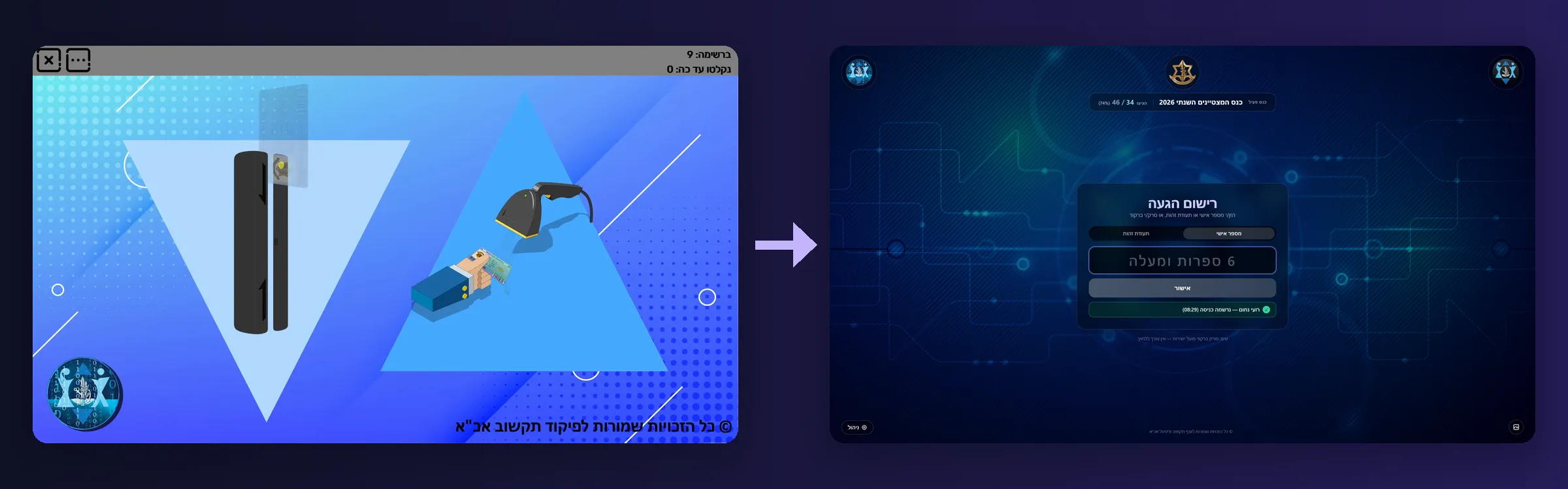
First, Hoger Scanner: a full-screen kiosk for the entrance. A guest swipes their military ID card through a card reader or shows it to a barcode scanner. The screen greets them by name and records the time, and the next scan says goodbye with the time spent. Guest lists come in from Excel, and attendance goes back out to Excel.
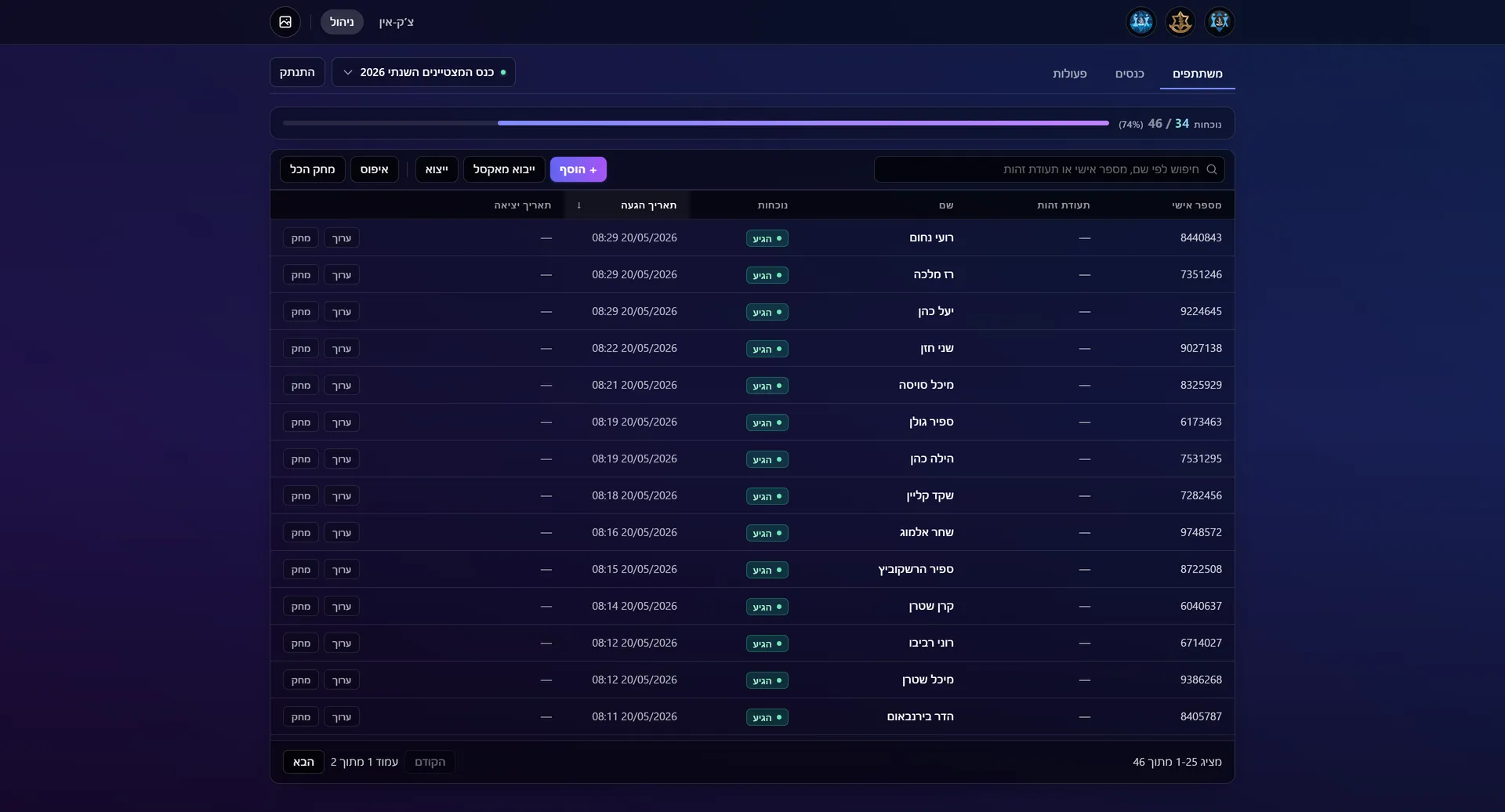
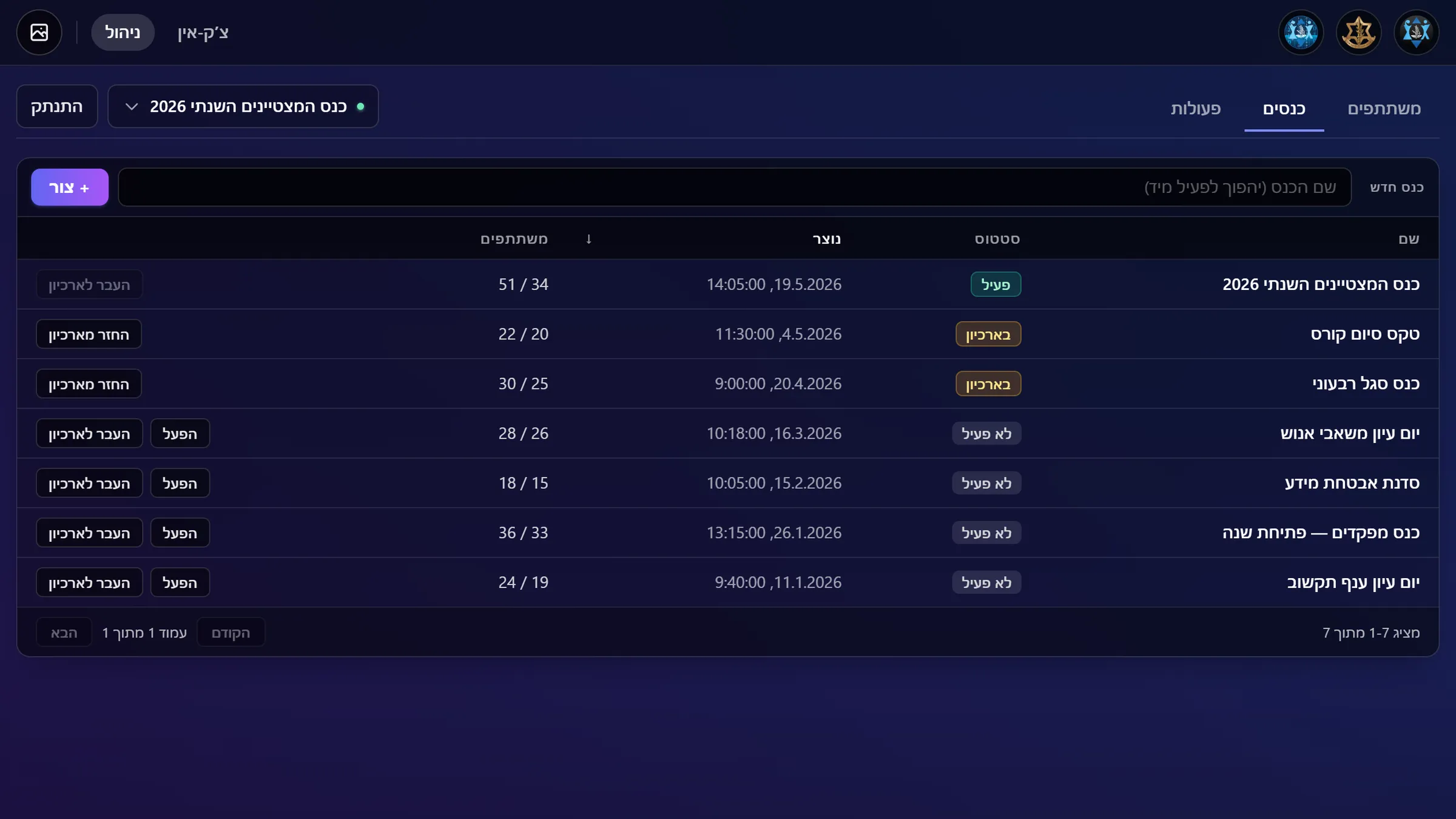
Next came a web system for many stations. A soldier on my team made a first attempt that was not stable; Noam Shadmi stabilised it, but it was still weak, so we started over. Noam built v0.1 and helped shape the idea, and I redeveloped it with Claude Code into today's system: one laptop runs it, any computer, tablet or phone is a check-in station, and a console manages guest lists, live attendance and an undo history.
How it came together
- Nov 2022Kiosk 1.0A full-screen kiosk: swipe or scan the military ID card, get a greeting, and entry and exit times are recorded.
- Dec 2022First use at a conferenceThe kiosk checks in the guests of its first conference, and the organisers get the attendance list as a file.
- Jan–Jun 2023Kiosk 2.0 to 2.6Live counters, a save after every scan, and guest lists from Excel with attendance back to Excel. The final kiosk version.
- 2023–24A first web attemptA soldier on my team tried a web version. It was not stable; Noam Shadmi stabilised it, but the product stayed weak.
- 2025–26A fresh start: v0.1We started a new web system. Noam Shadmi built v0.1 and helped shape the idea, up to just before the first usable version.
- May 2026Redeveloped with Claude CodeI took it over and redeveloped it into the current product: new screens, Excel on the server, entry and exit, and an undo history.
- May 2026Release 1.0.0A one-click launcher, a Hebrew user manual and a developer README, so event staff can run it on their own.
03 / Highlights
Scan in, scan out
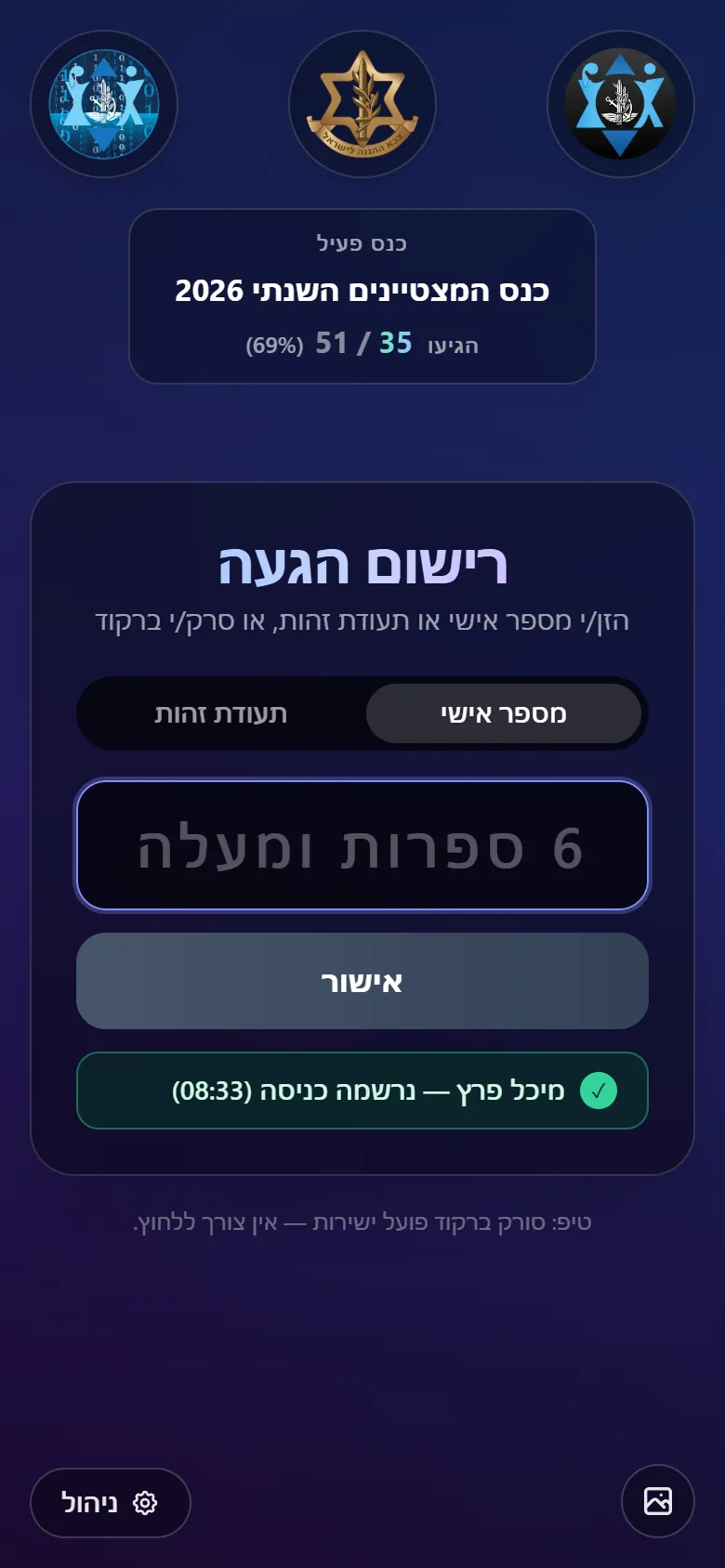
One scan records entry, the next records exit, and a third says "already left".
Any device works
One laptop runs the event; any computer, tablet or phone joins as a check-in station.
Walk-ins added
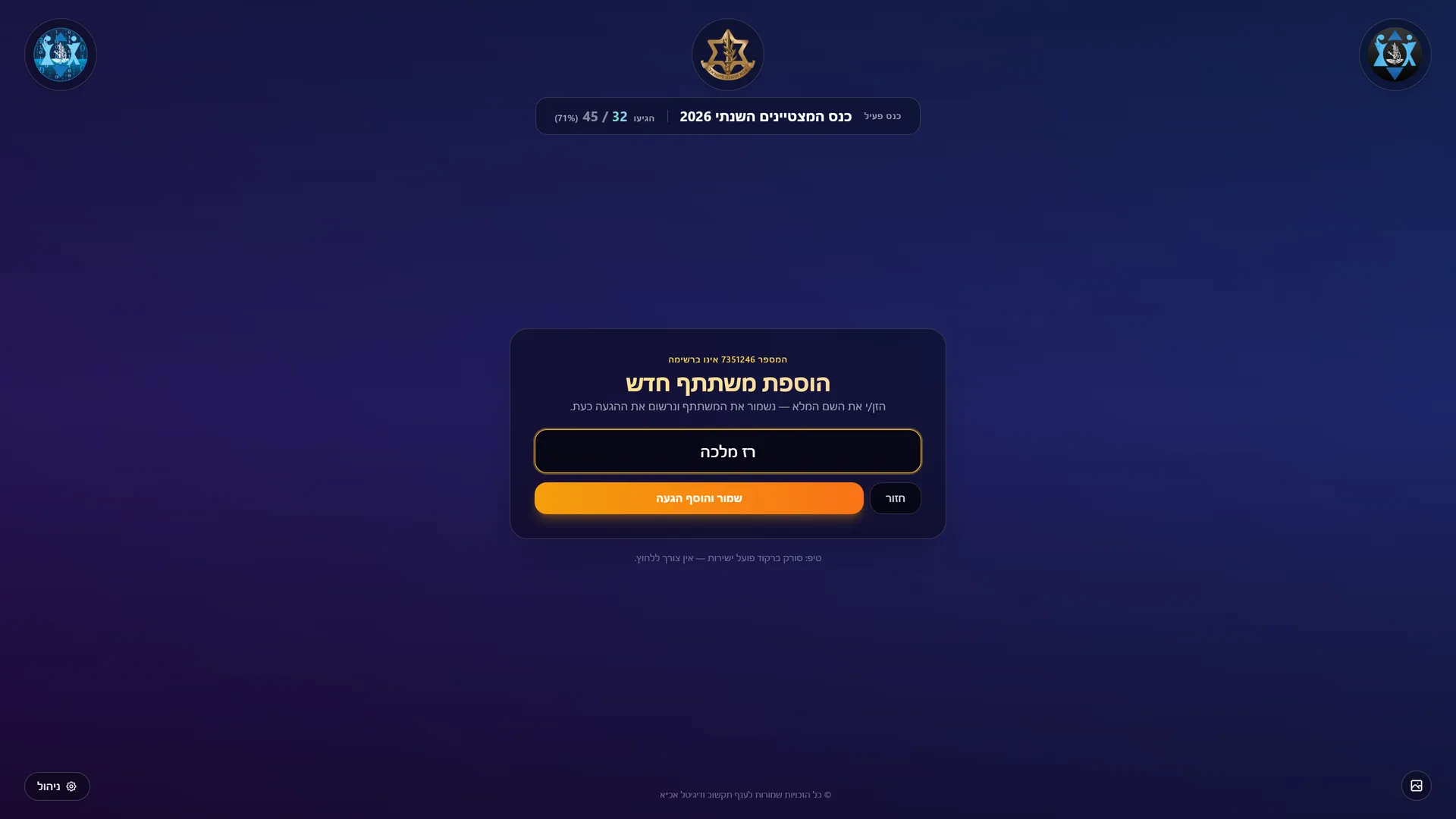
An unlisted number opens a short form: type a name, and the guest is checked in.
Excel in and out
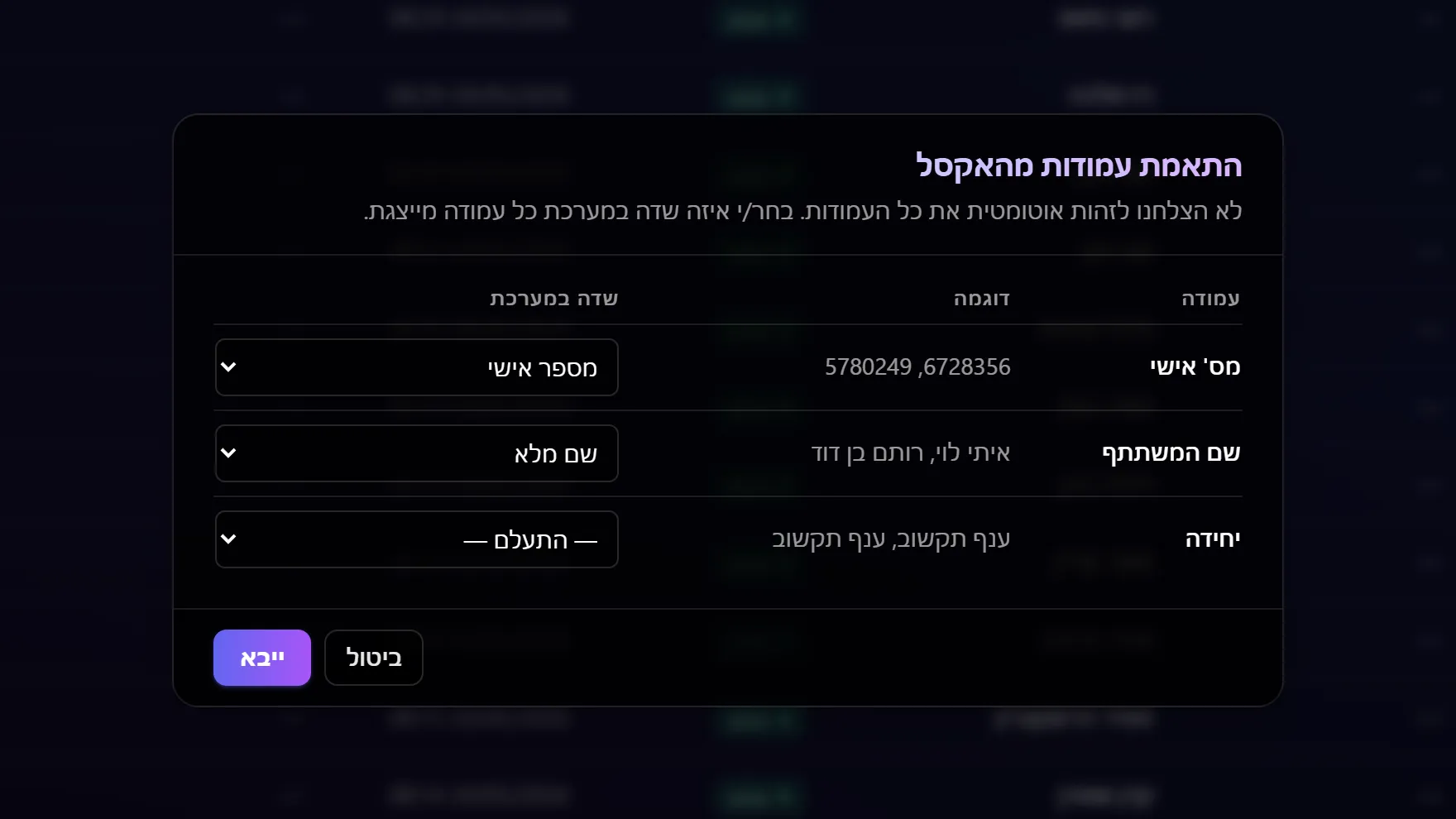
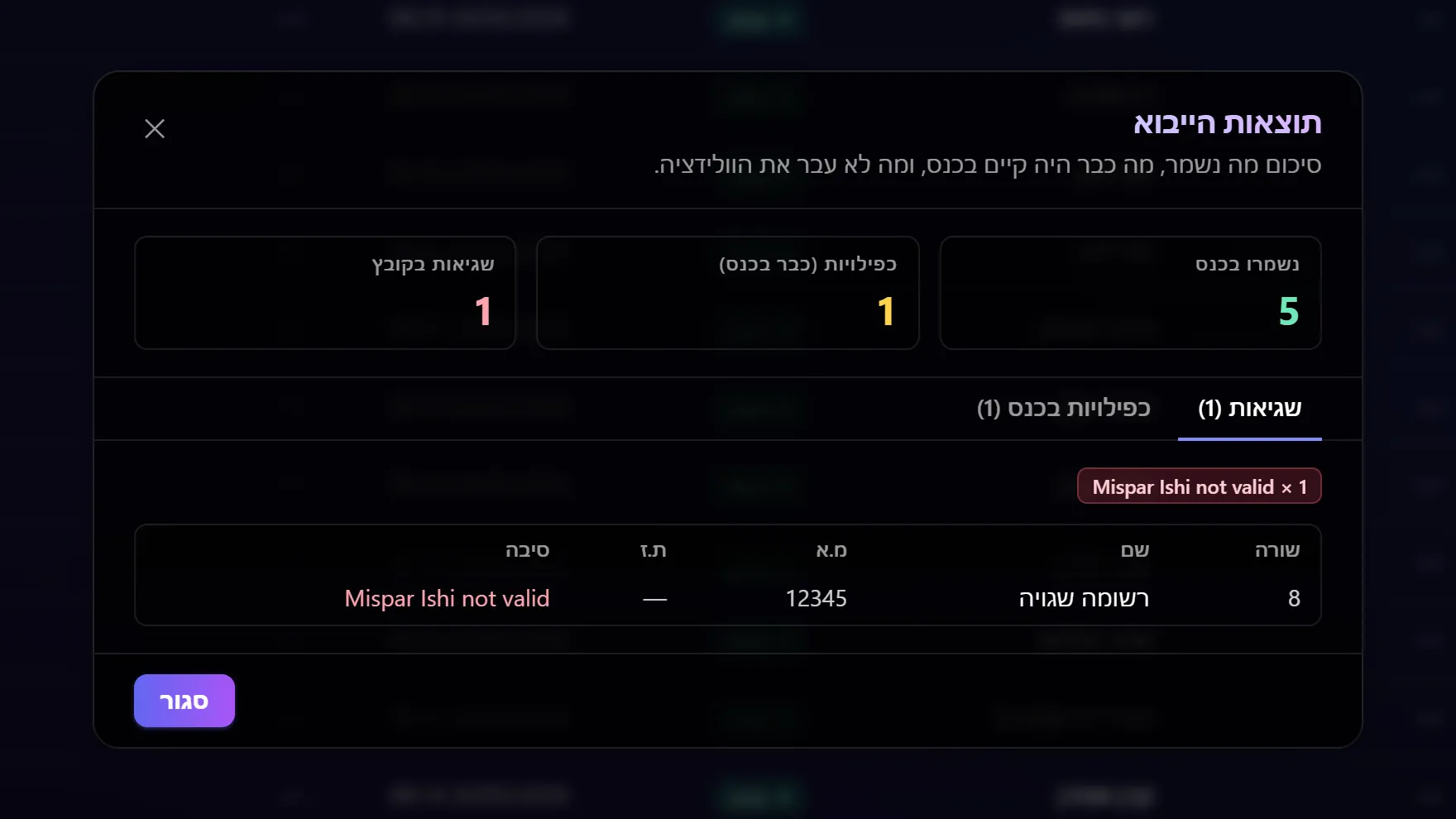
Hebrew headers are recognised, others matched by hand; rejected rows show why.
Undo any change
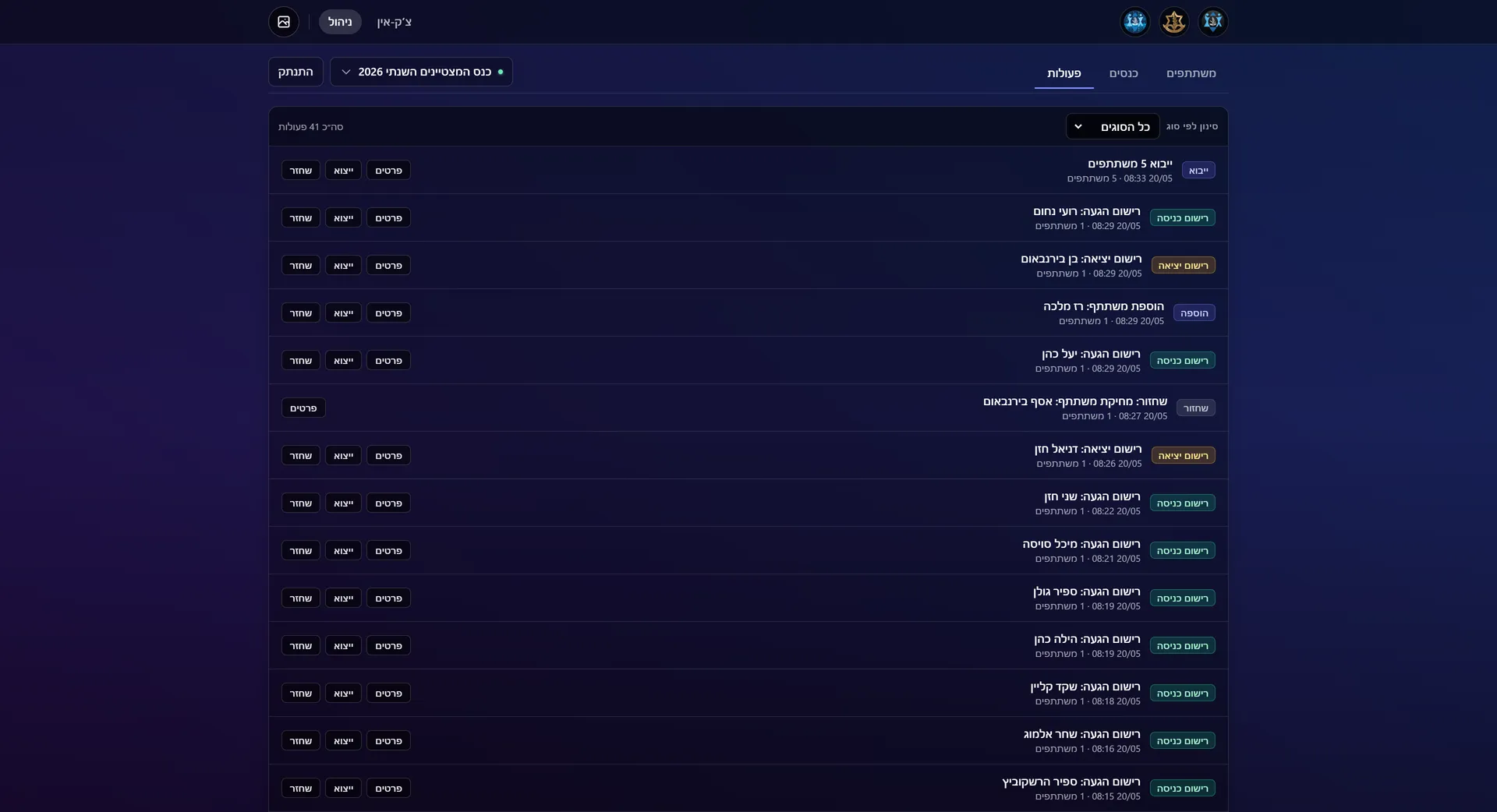
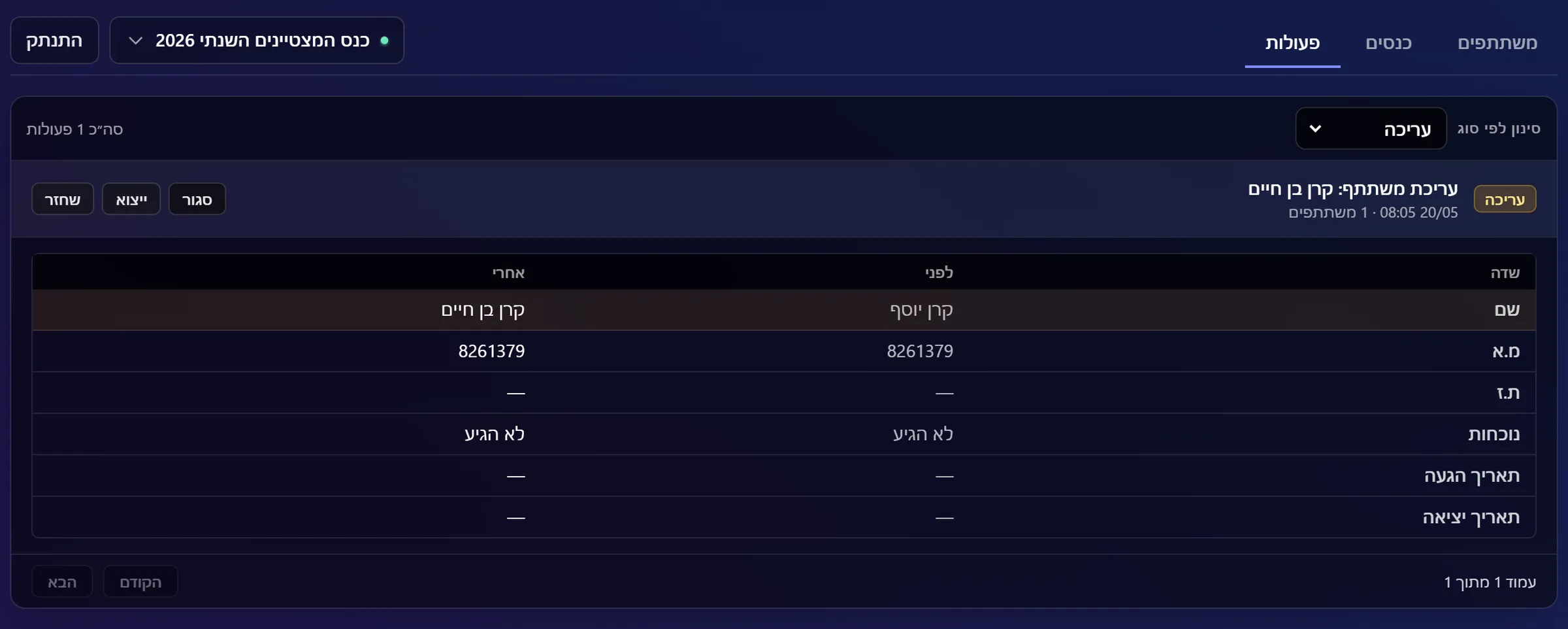
Every change is saved with a snapshot and can be exported or reversed.
Many conferences
Create, switch and archive conferences; each keeps its own list and history.
04 / Screens
13 screens · sample data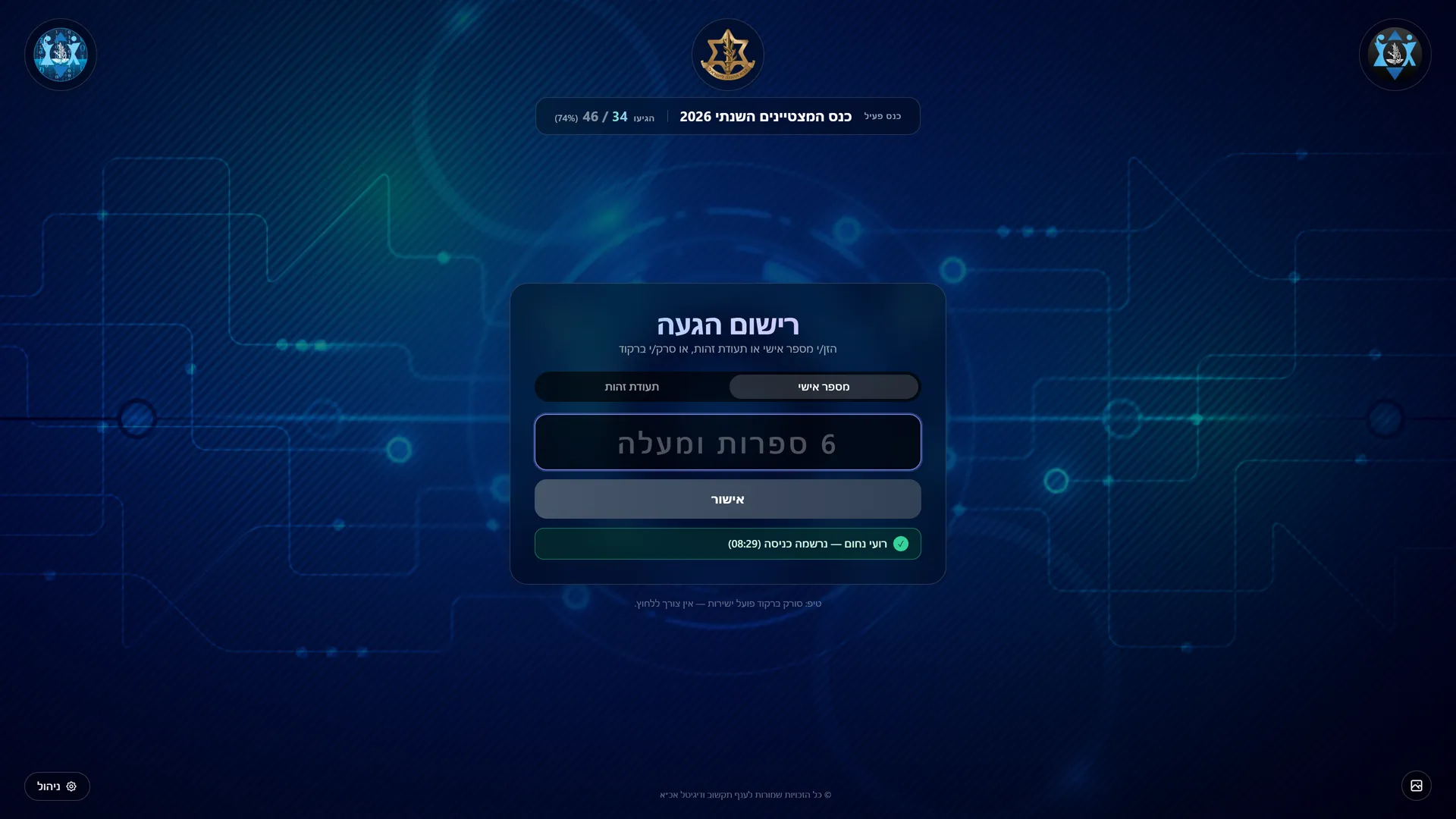
05 / Impact
The tracker was used at more than 90 events, held by over 20 units and directorates, and checked in thousands of people, from hundreds to thousands at each event. The largest single event, the discharged soldiers' conference, had upwards of 14,000 invitees on its list, the busiest ran 12 check-in stations at once, and 7 organisers ran events with it.
Instead of a paper sheet, every guest is recorded with a scan at the door. The organisers see who has arrived as it happens, finish the event with an Excel attendance report, and fix a mistake from the action history instead of by hand. With Claude Code, the final push to release 1.0.0 took under 20 hours.
06 / Role and tech
I built the kiosk on my own, every version of it; its settings screen carries the credit "developed by Idan Achrak". As team lead I then took it to the web. A soldier on my team made a first attempt that was not stable; Noam Shadmi stabilised it, and when it was still weak we started over. Noam built v0.1 and helped shape the idea, up to just before the first usable version (the MVP).
From there I was the main developer and redeveloped it into the current product with Claude Code. I set the design and the scope, reviewed each change, had one undone when it touched a screen I had already approved, and added a test for the entry-and-exit rule.
Tech
- Python
- pygame
- pandas
- PyInstaller
- FastAPI
- SQLAlchemy
- SQLite
- React
- Vite
- Tailwind CSS
- Server-Sent Events
- Claude Code
- Uvicorn
- Pydantic
- openpyxl
- pytest
- pnpm
- Pillow
How it's built
The kiosk is a full-screen Python app in pygame, built on my own widget kit. A background thread reads the scanner and card reader, which type like a keyboard; the 4K art is scaled to the screen once and cached; pandas reads and writes the Excel files; and PyInstaller packs it all into a single program file. The web system is a FastAPI server with a SQLite database that also serves the React front end. Every change is stored as an action with a snapshot so it can be undone, Server-Sent Events keep the console screens up to date, and a Windows launcher installs, builds and starts everything on one laptop. The 1.0.0 redevelopment was done with Claude Code under my direction: I gave it the design reference and the scope, reviewed every commit, and backed the scan rules with automated tests (pytest).
A paper sign-in sheet became a scan at the door.
First a kiosk I built alone, then a web system I led and redeveloped with Claude Code into a whole event network.