AKA Conference Clock
A big-screen conference clock that plans the day and re-times it in one click when talks run late.
- Idan Achrak — Redeveloped it into the product: data model, timing logic, admin, display, docs, release
- Noam Shadmi — Built the early version (v0.1) and helped shape the idea, up to before the MVP
01 / The challenge
A conference day runs on fixed time slots: opening remarks, talks, coffee and lunch breaks, and often more than one session. The speaker, the audience and the host all need to see the same things at a glance: who is on stage now, how much of the slot is left, and what comes next.
Days rarely run exactly to plan. When one talk runs over, every slot after it moves, and the schedule on the screen has to follow without anyone working it out again by hand in front of the audience.
- Every speaker has a fixed slot
- The audience needs to know what comes next
- One late talk shifts the rest of the day
- One day can hold several sessions
02 / What I built
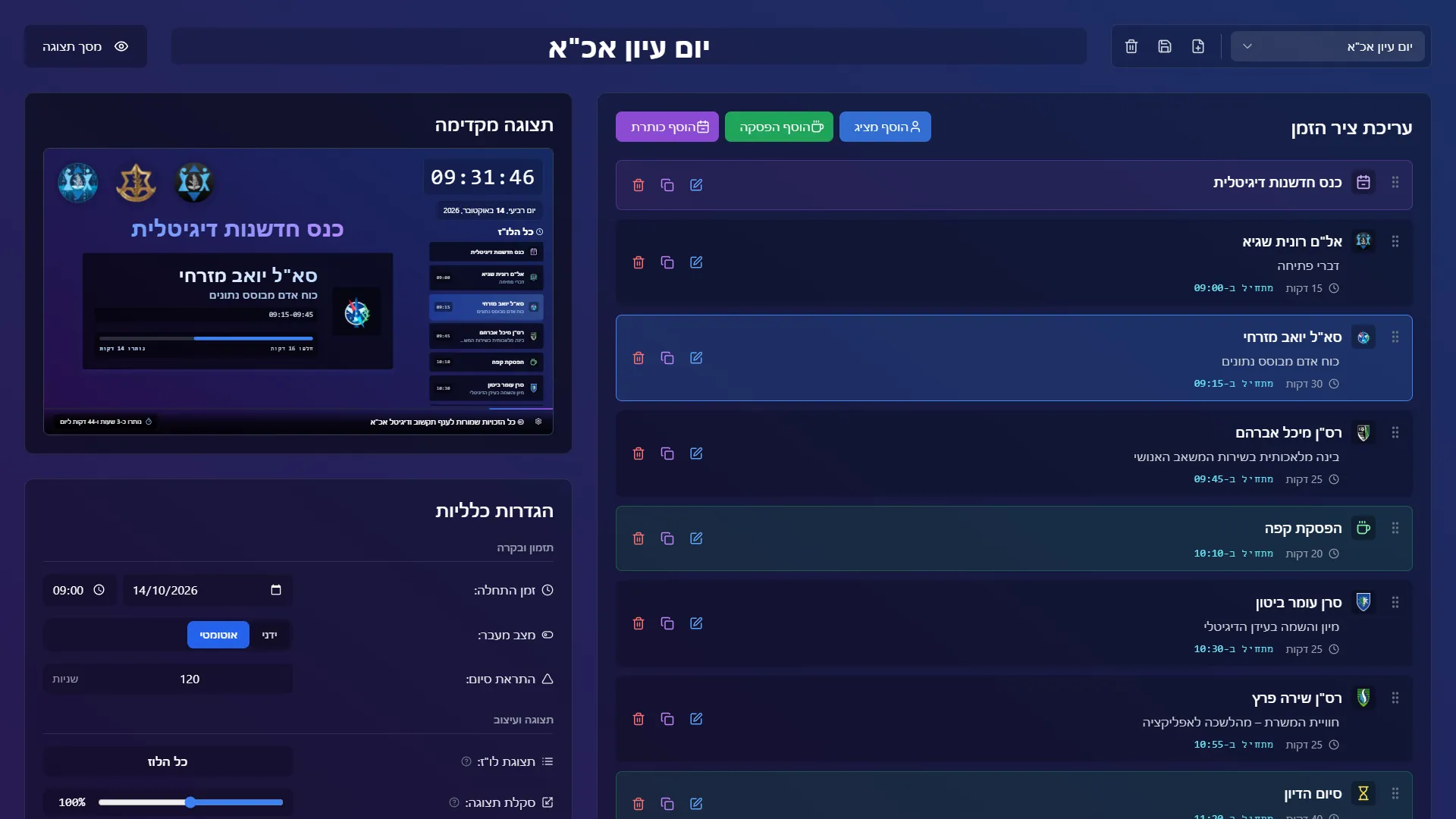
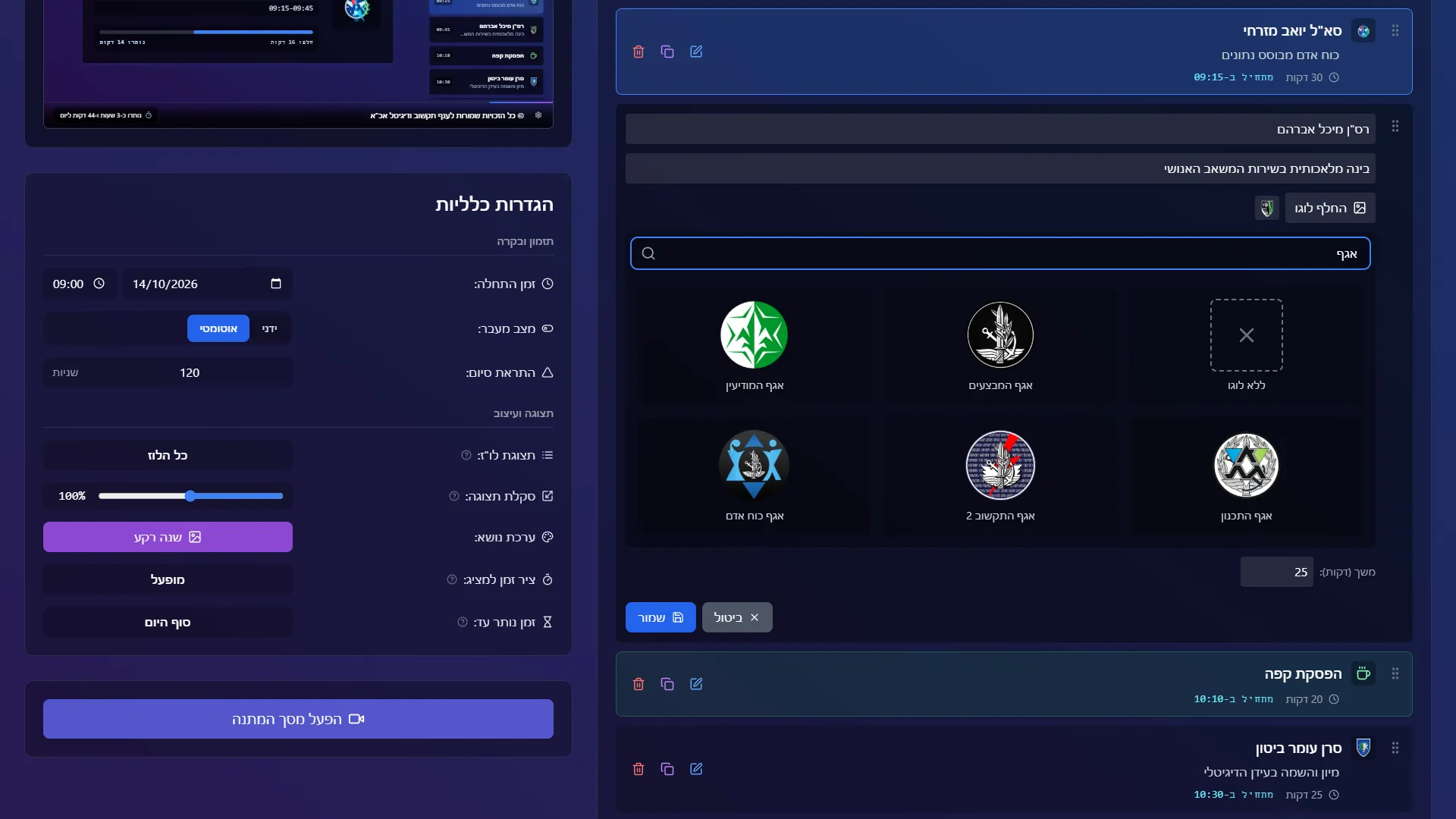
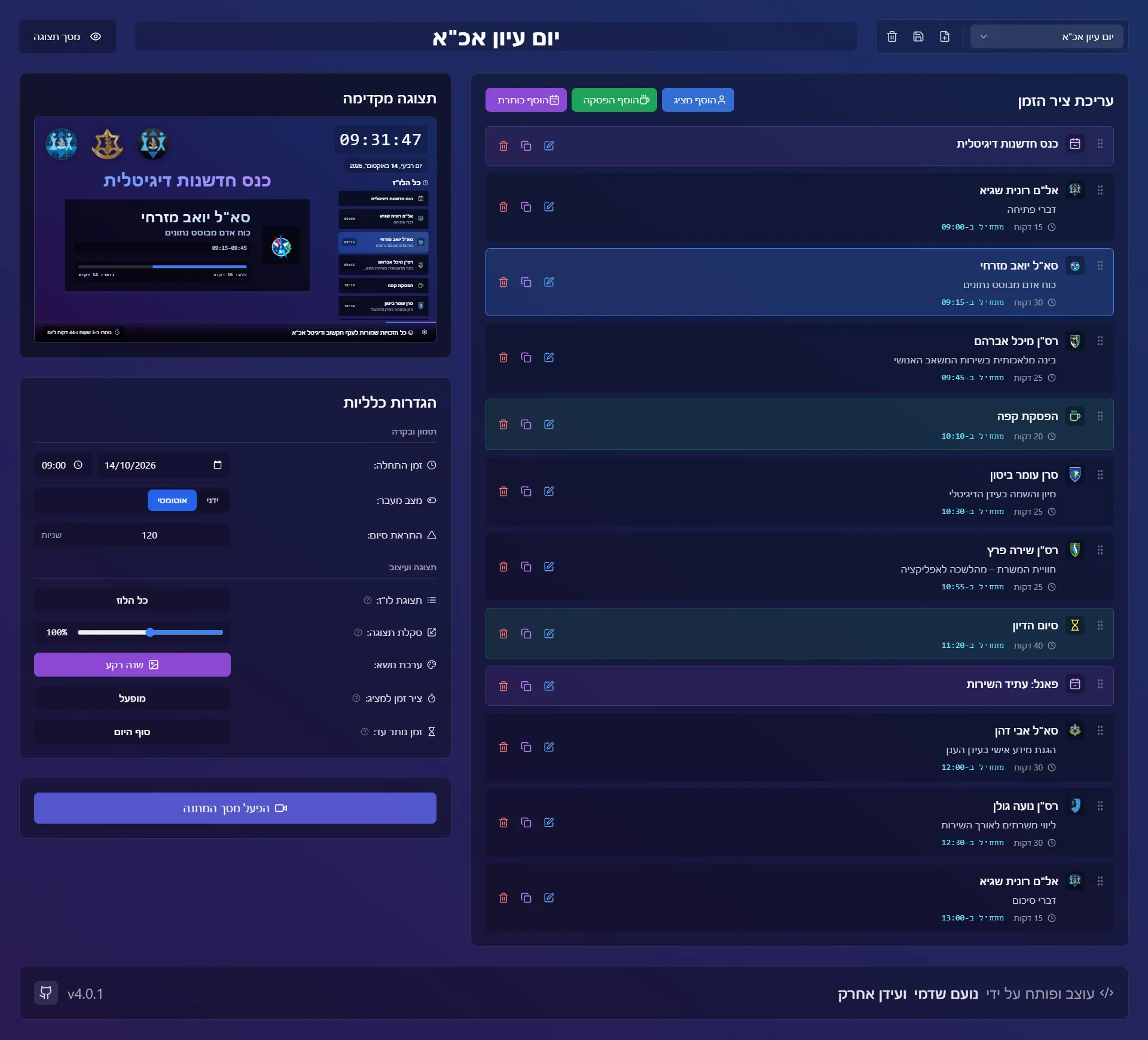
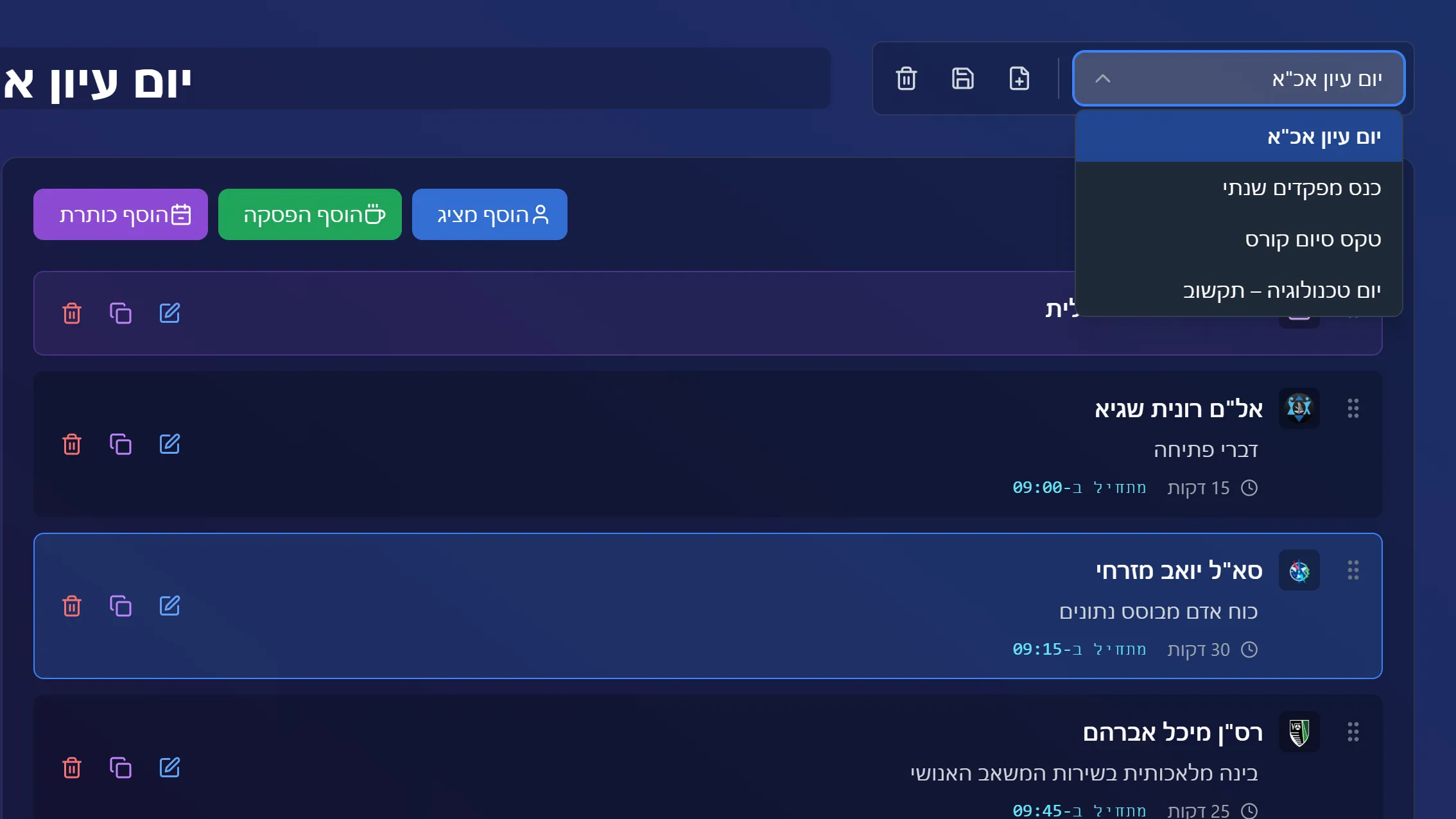
A Hebrew, right-to-left web app with two screens. On the admin panel the operator builds the day: speakers with their topic and unit logo, breaks, and title cards that open each session. Every start time is calculated from the day's start time, and the day can be saved as a template for the next event.
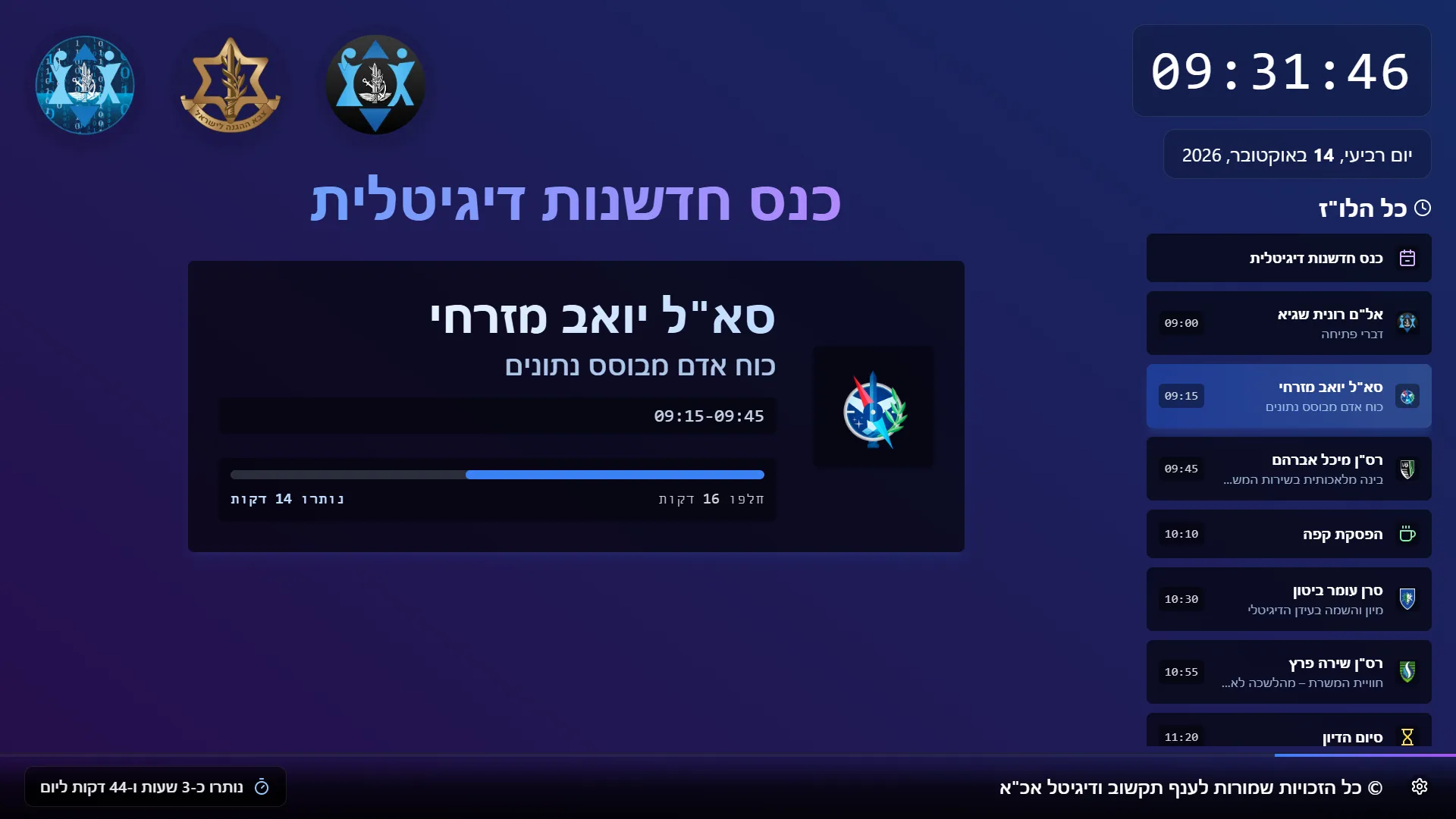
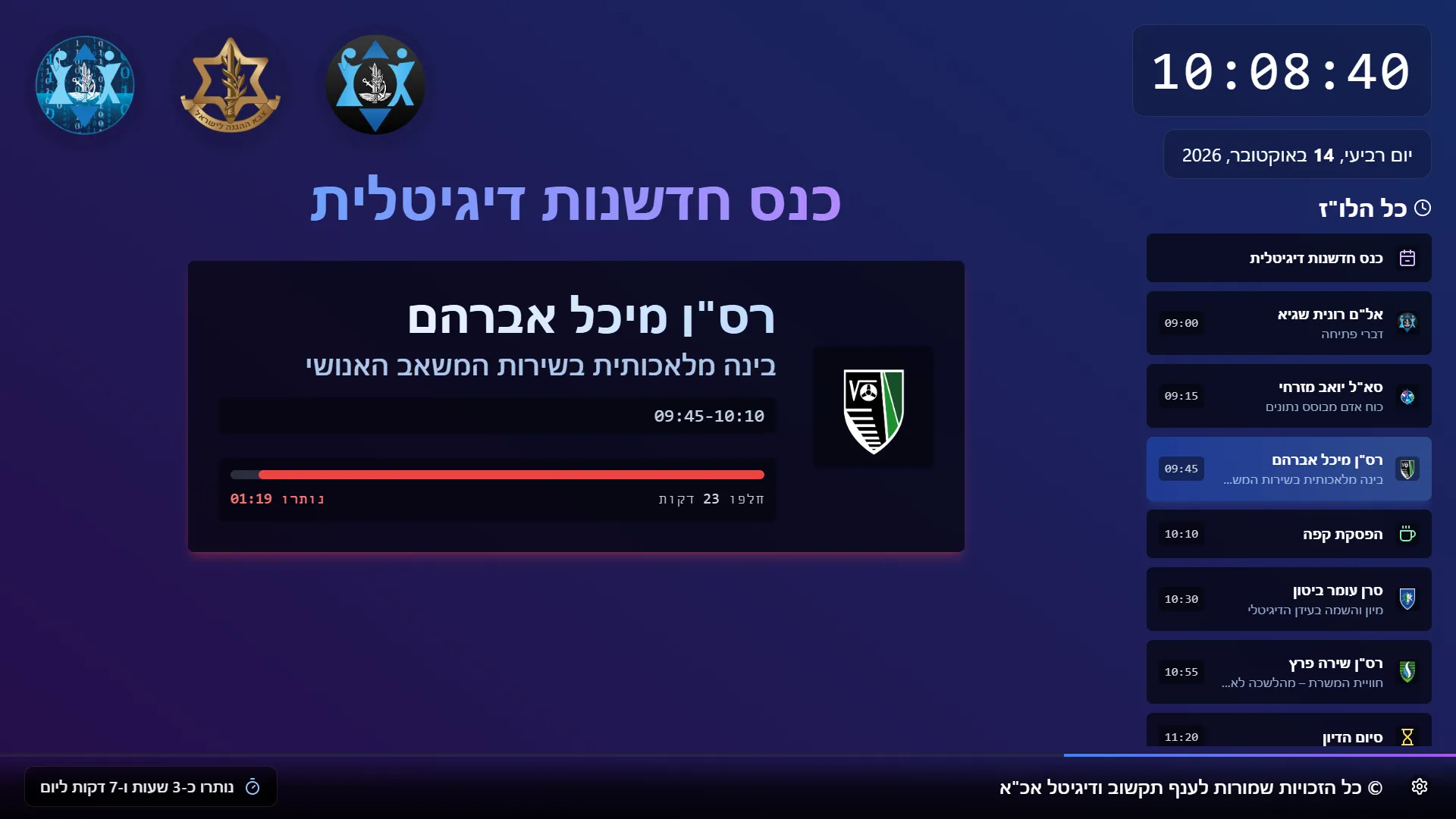
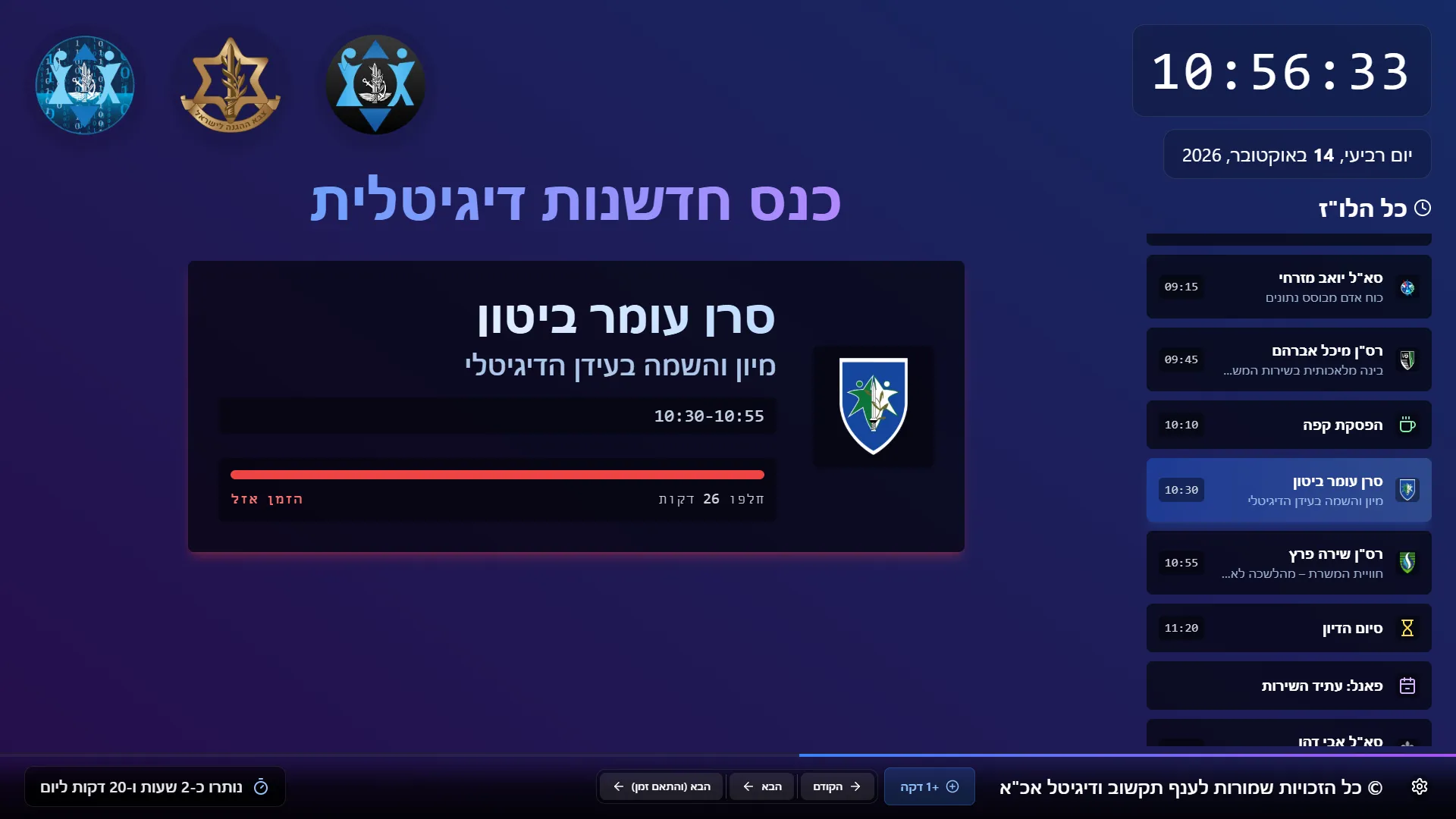
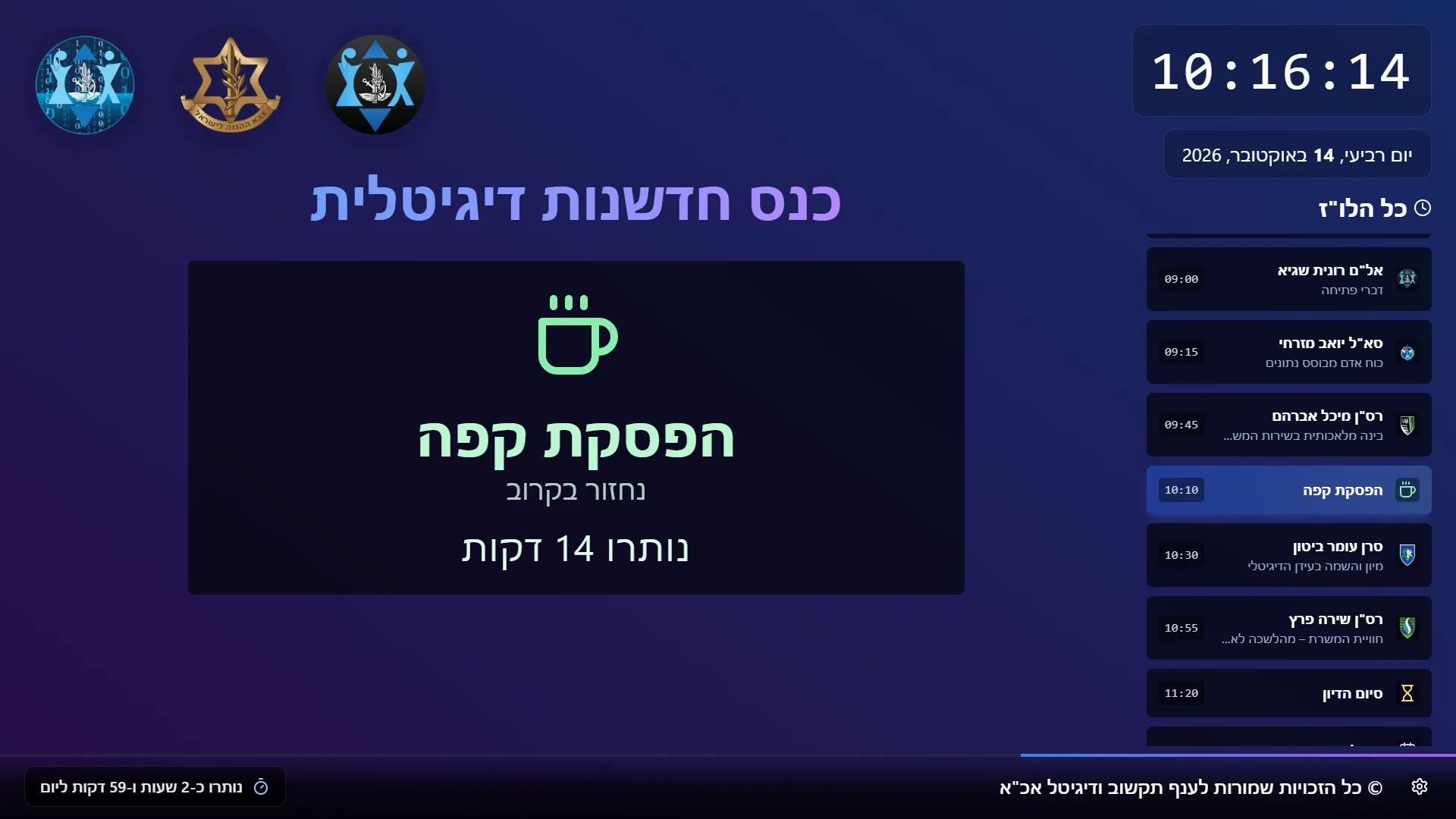
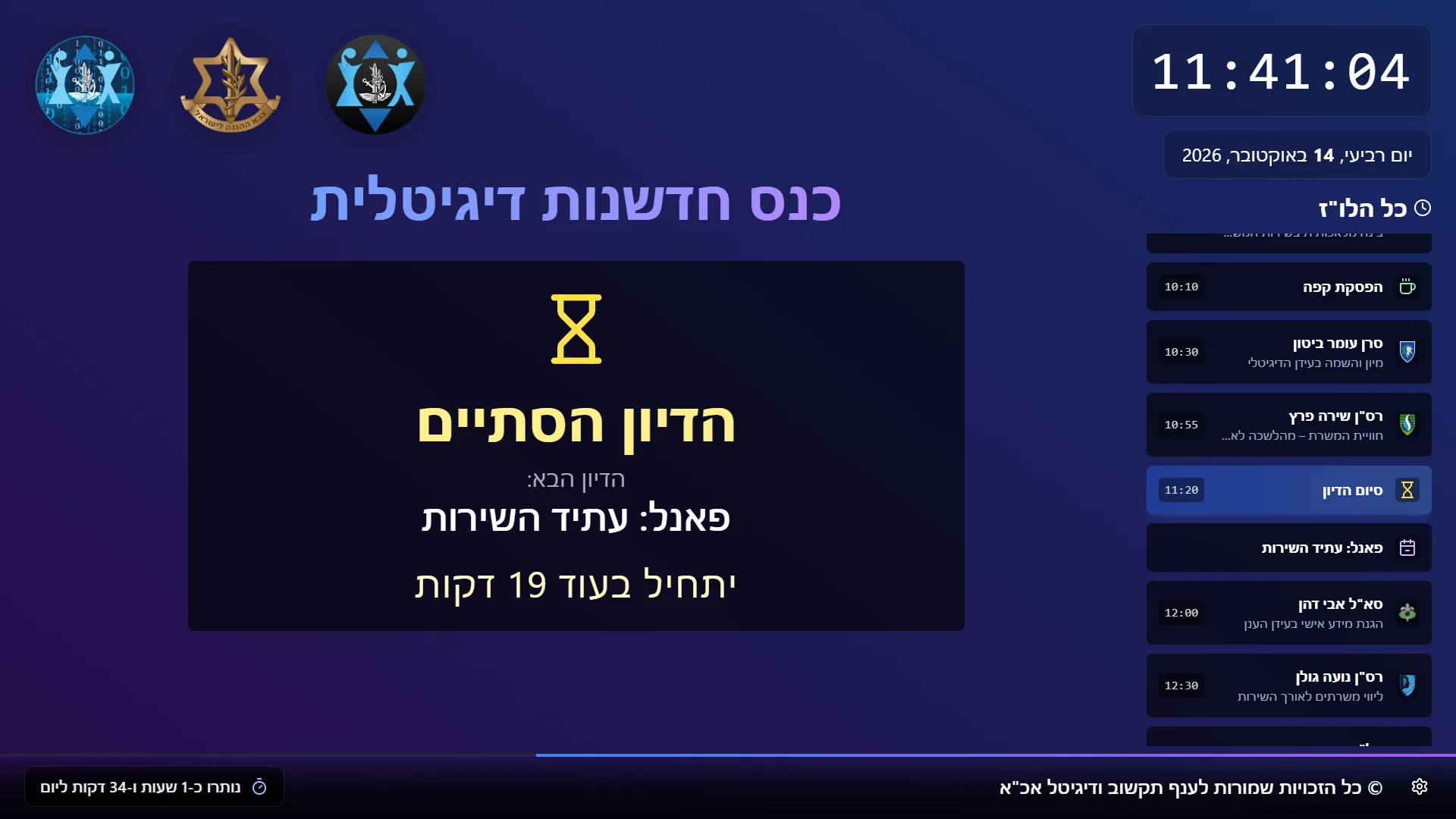
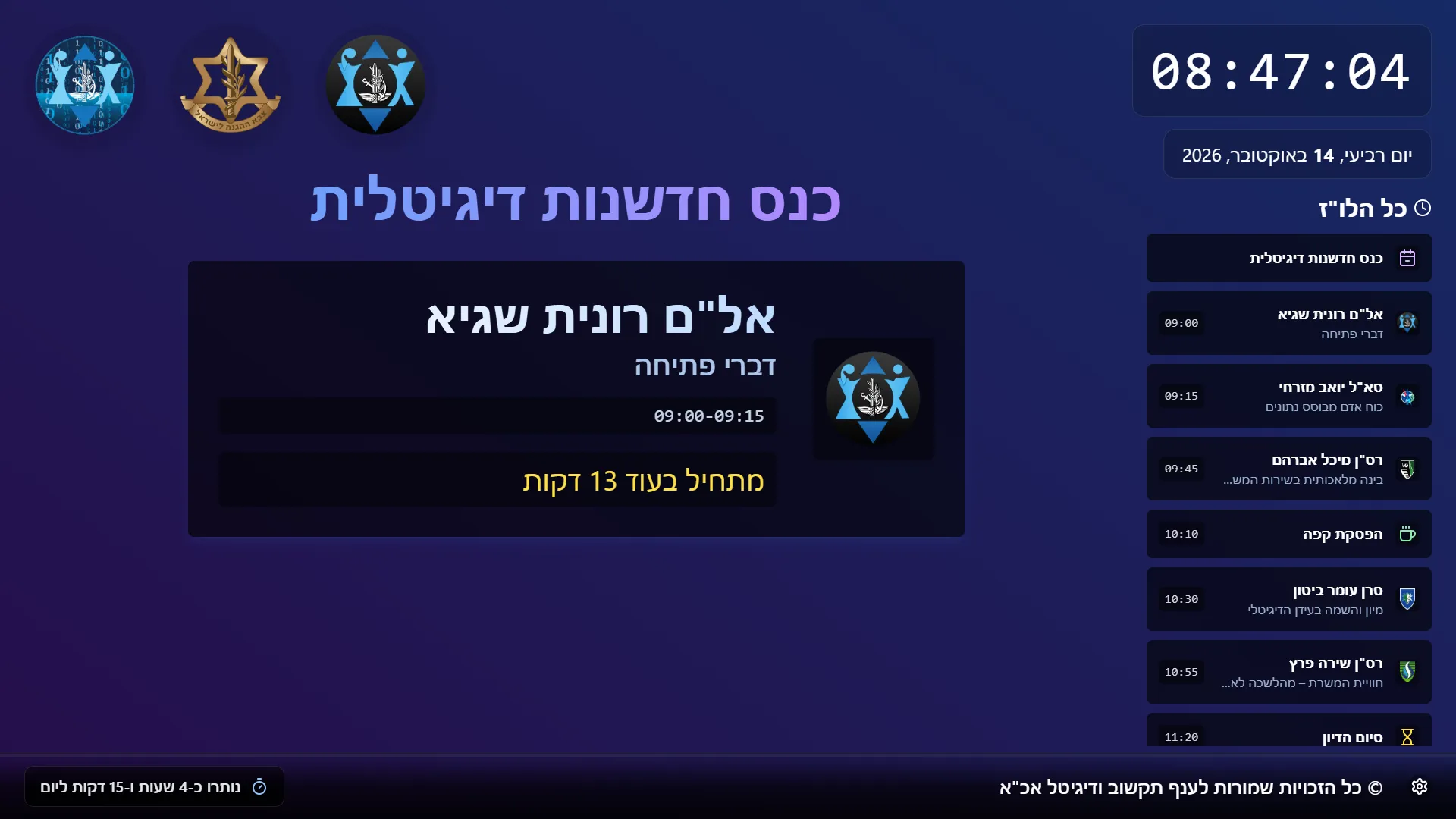
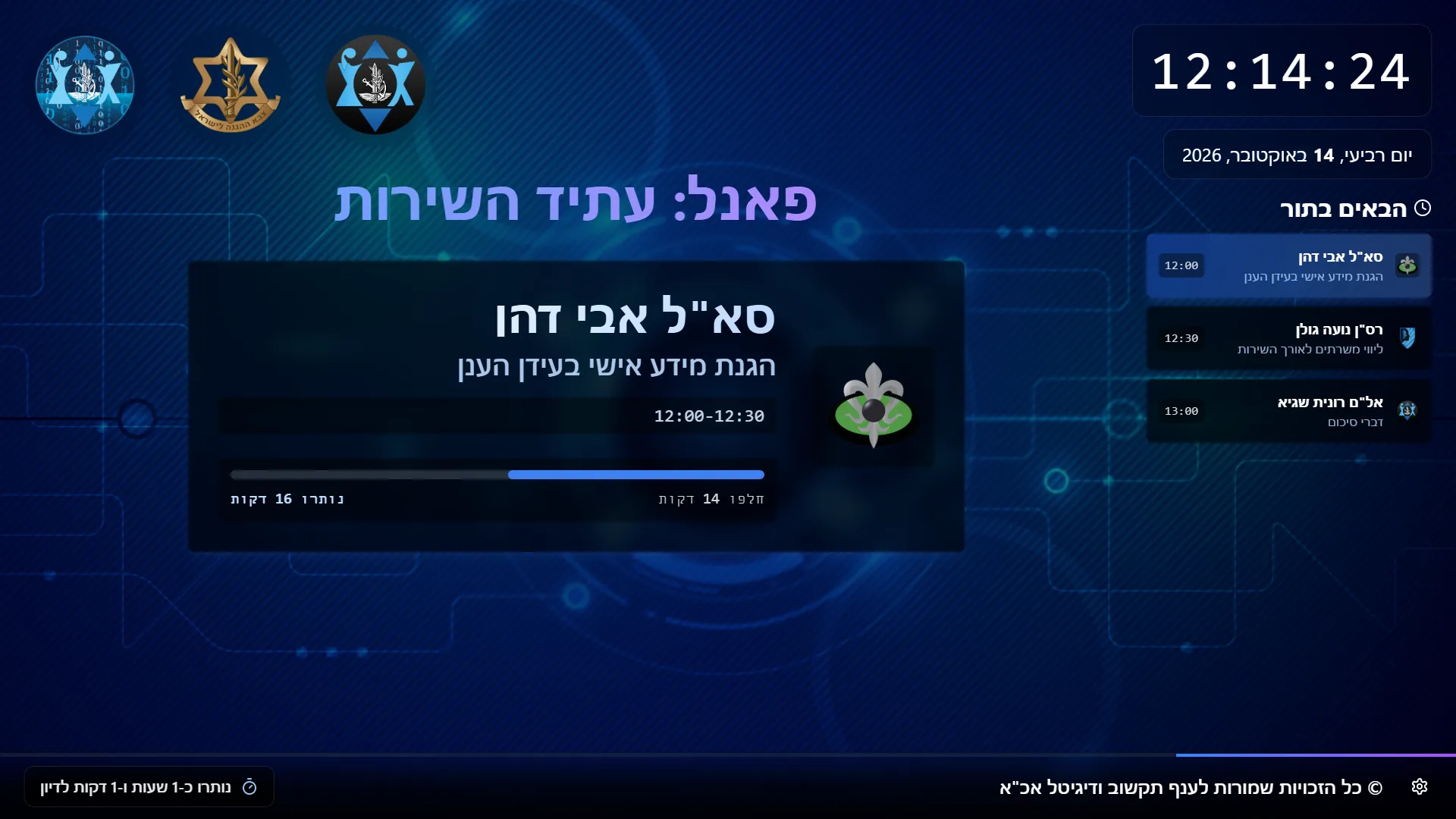
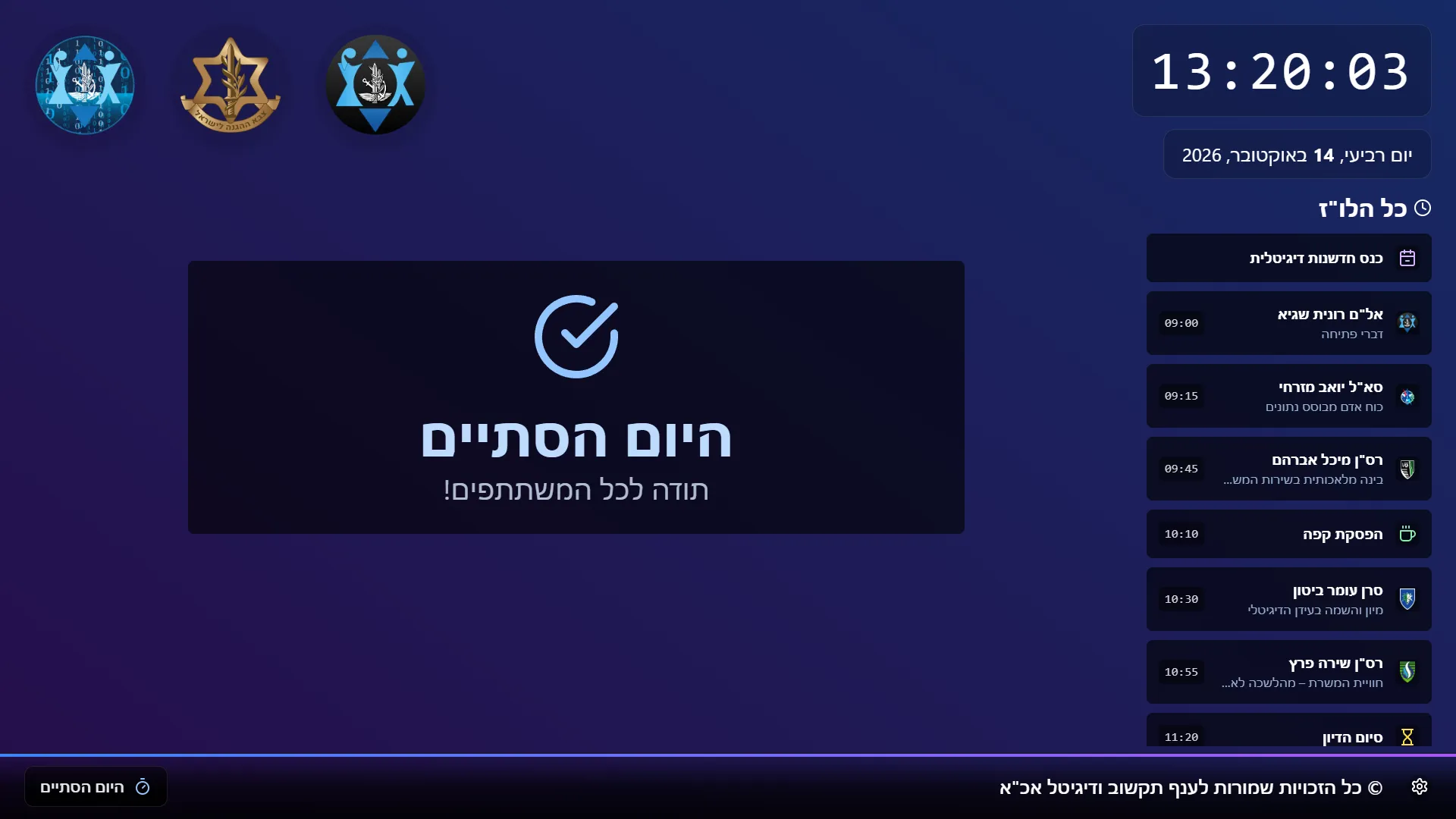
The display goes on the hall's big screen. It shows a live clock, the current speaker's card with a smooth progress bar that turns red in the final minutes, and the rest of the day. In manual mode the operator can add a minute, or move on and re-time the whole day in one click. It opens in any browser, with nothing to install.
How it came together
- Late 2024The first versionNoam Shadmi built the early version (v0.1) and helped shape the idea, working on it until just before the first full product.
- Aug 2025I took over and redeveloped itI rebuilt the core with Gemini and ChatGPT: talks, breaks and title cards in one timeline, start times calculated and saved in the browser.
- 2025–2026A screen read at a glanceA smooth progress bar inside each speaker's card, livelier animation, and a display-size control so it fits any hall screen.
- 2025–2026Clear transitions between sessionsA break before a new session becomes a “next discussion” screen and is not counted as part of the session before it.
- May 2026Version 4.0.1Released with an operator guide and pre-event checklist, architecture, deployment and maintenance docs, and an automated build.
03 / Highlights
Plan the whole day
Speakers, breaks and session title cards on one drag-and-drop timeline. Start times are calculated automatically, and the day saves as a template.
A clear countdown
Each talk has a smooth progress bar. In the final two minutes it turns red and counts down in minutes and seconds.
One-click update
In manual mode, “+1 minute” or “Next, and adjust the time” moves every later slot.
Multi-session days
Title cards split the day. Between sessions, the screen counts down to the next one.
Logos, backgrounds
A searchable bank of about 50 unit logos, built-in backgrounds, or an uploaded image of your own.
Opens in a browser
Nothing to install and no database: the day and its templates are kept in the browser.
04 / Screens
13 screens · sample dataDesign noteDesigned to be read from the back of a hall: the whole day on one screen, a drag-and-drop day plan for the operator, and a countdown whose final two minutes turn red.

05 / Impact
The clock was used at more than 25 events and timed hundreds of talks, in front of over 4,000 people in all; the largest audience alone passed 500. At least 7 operators ran events with it, for more than 10 units and directorates.
One operator can run a whole day from one screen. Speakers see their remaining time at a glance, the audience always knows what comes next, and a talk that runs over is absorbed in one click: every later slot moves by itself.
06 / Role and tech
Noam Shadmi built the early version (v0.1) and helped organise the idea, working on it until just before the first full product. I then took the project over and redeveloped it into the current product, with more experience behind me: the data model that treats the whole day as one timeline, the timing logic, the admin panel, the big-screen display, and the release with its documentation.
I worked with Gemini and ChatGPT the way I lead a developer. I wrote the brief (a code audit, a redesign and a right-to-left plan), designed the state store myself and had the screens rebuilt around it, set limits on what must not change, reported bugs with concrete examples and made the product decisions. I checked each result myself and own the outcome.
Tech
- React 18
- TypeScript
- Vite
- Tailwind CSS
- Zustand
- Immer
- React Router
- dnd-kit
- pnpm
- GitHub Actions
- Gemini
- ChatGPT
- ESLint
How it's built
A single-page web app in React and TypeScript, built with Vite and styled with Tailwind CSS. There is no server-side code and no database: the whole day is one timeline in a small Zustand store, saved in the browser, so any web server can host it as plain files. A GitHub Actions pipeline builds every push, and I developed it with Gemini and ChatGPT, working from written briefs and checking each result myself.
A whole conference day on one screen.
Everyone sees who is speaking, how long is left and what comes next, and a late talk is absorbed in one click.