Project P.I.N.G.E.R.
A full-screen live map that watches every switch on a separate network that only connects them, and sounds an alarm the moment one drops.
01 / The challenge
At sites across the country, the network team looked after switches: the devices that connect each site's equipment to the network. The switches talked to each other over a separate network used only for that. To find out whether a site had dropped off it, someone had to ping its switches by hand (send each one a quick "are you there?" test), one address at a time, from a list. With no efficient way to do it, a full round happened only once or twice every few months.
Nothing raised the alarm by itself, and there was no single view of which sites were up. The team needed one screen that showed the whole network at a glance and alerted them the moment something went down.
- Checks were manual, one switch at a time
- No single picture of which sites were up
- A drop went unnoticed until someone looked
02 / What I built
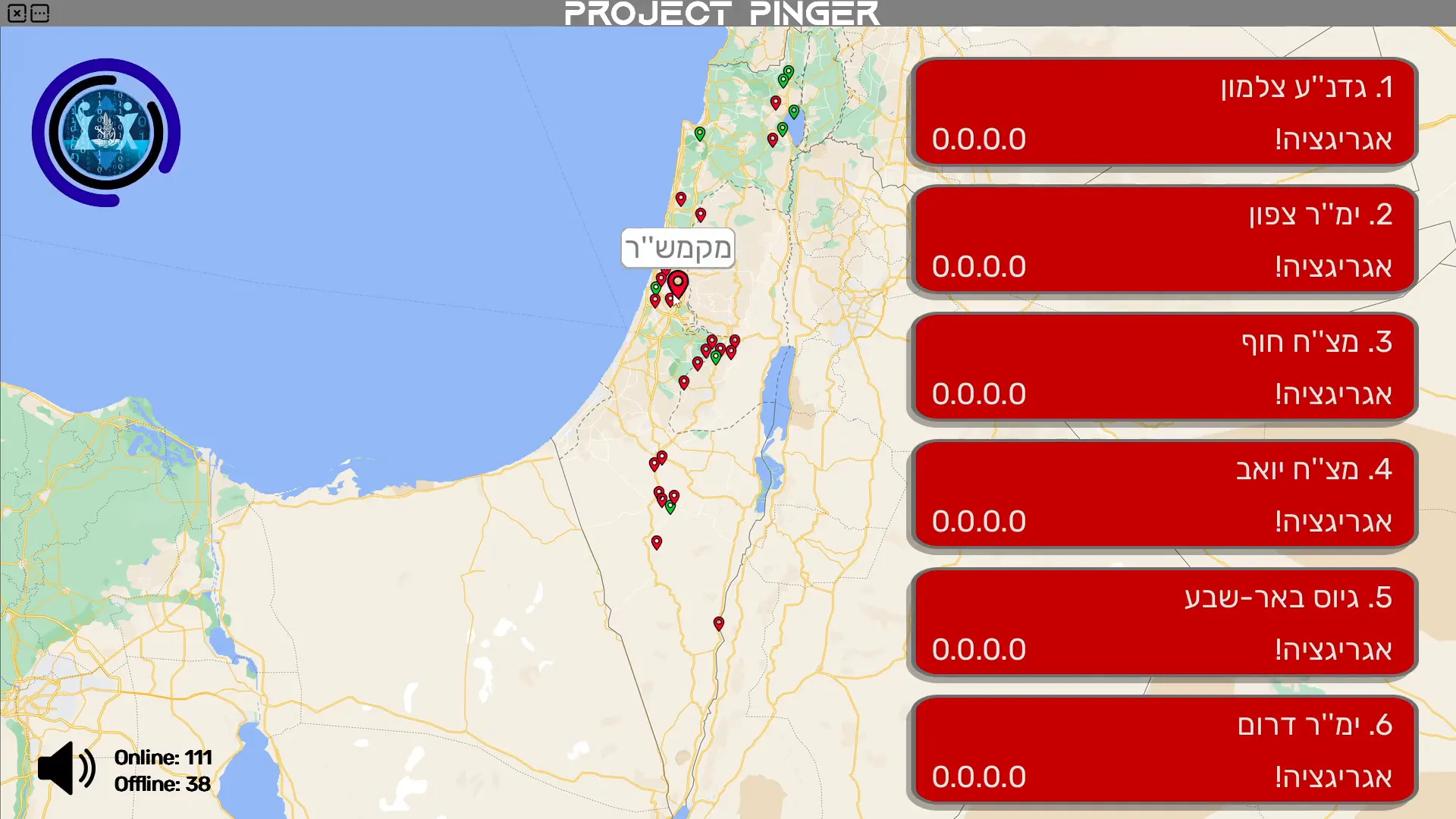
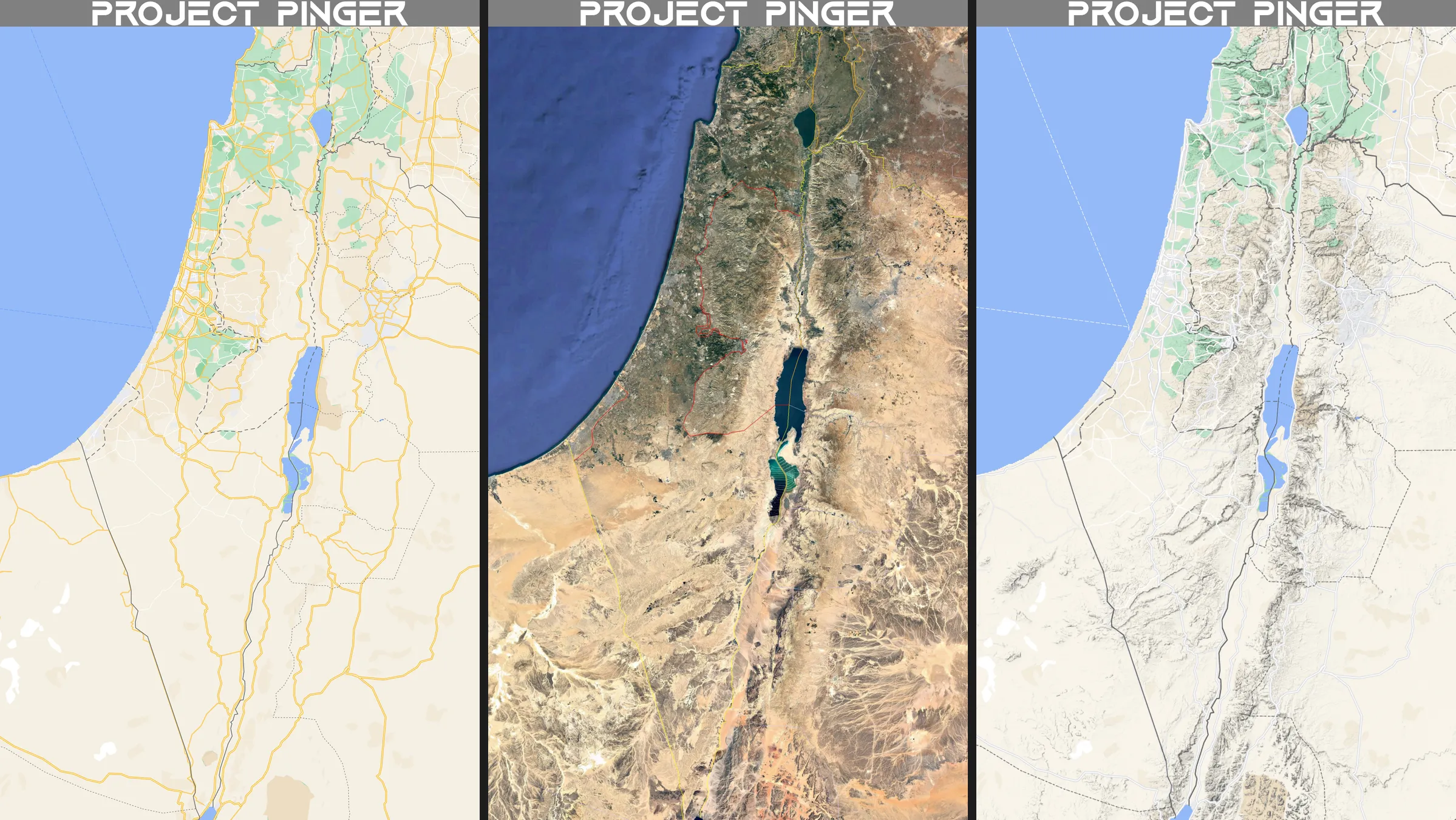
I built a full-screen desktop app for the team's monitoring station. A map of Israel shows a pin for every site, and behind each pin are the switches at that site. Every minute the app checks all of them, and each pin and card turns green or red with the answer.
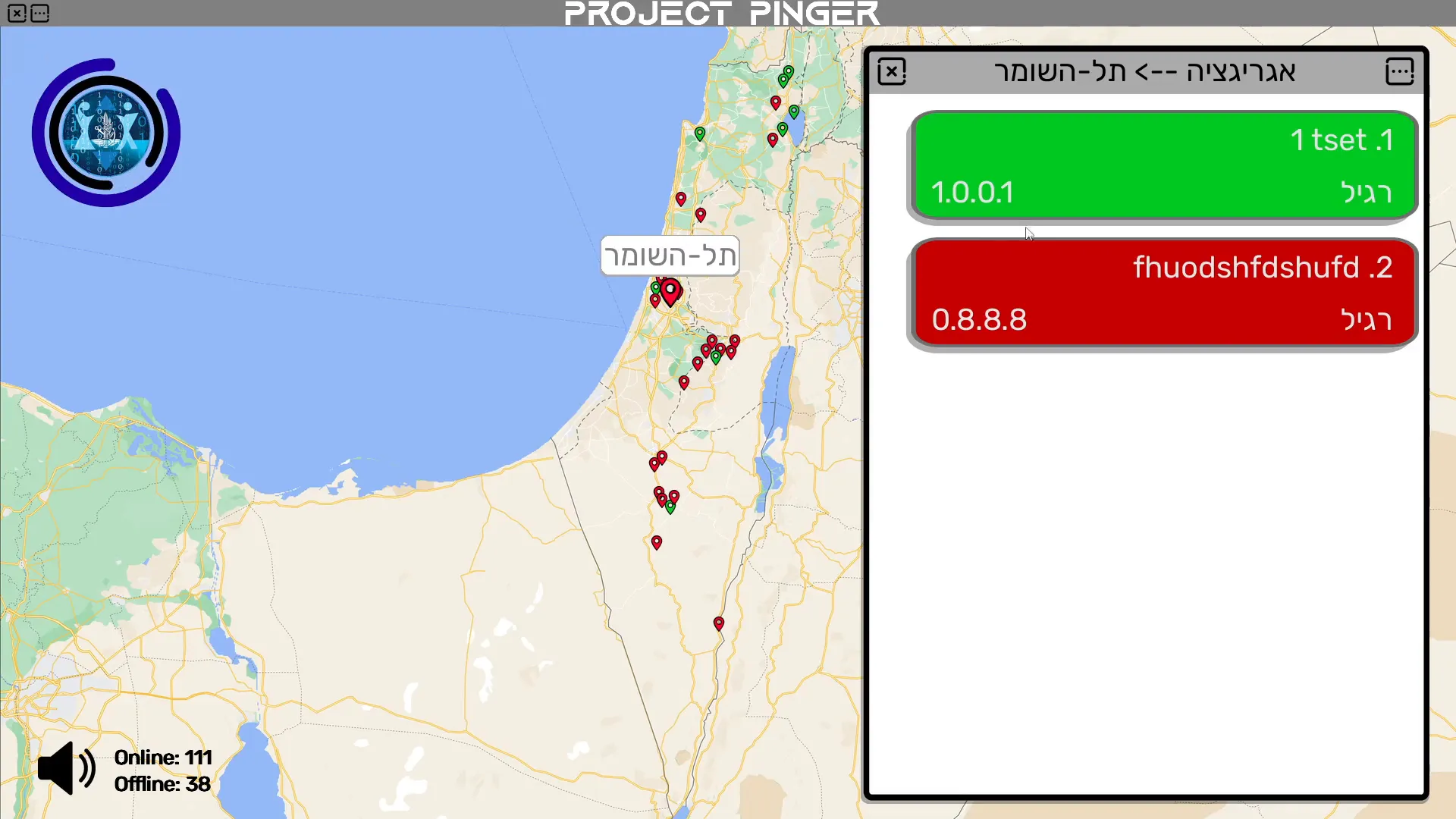
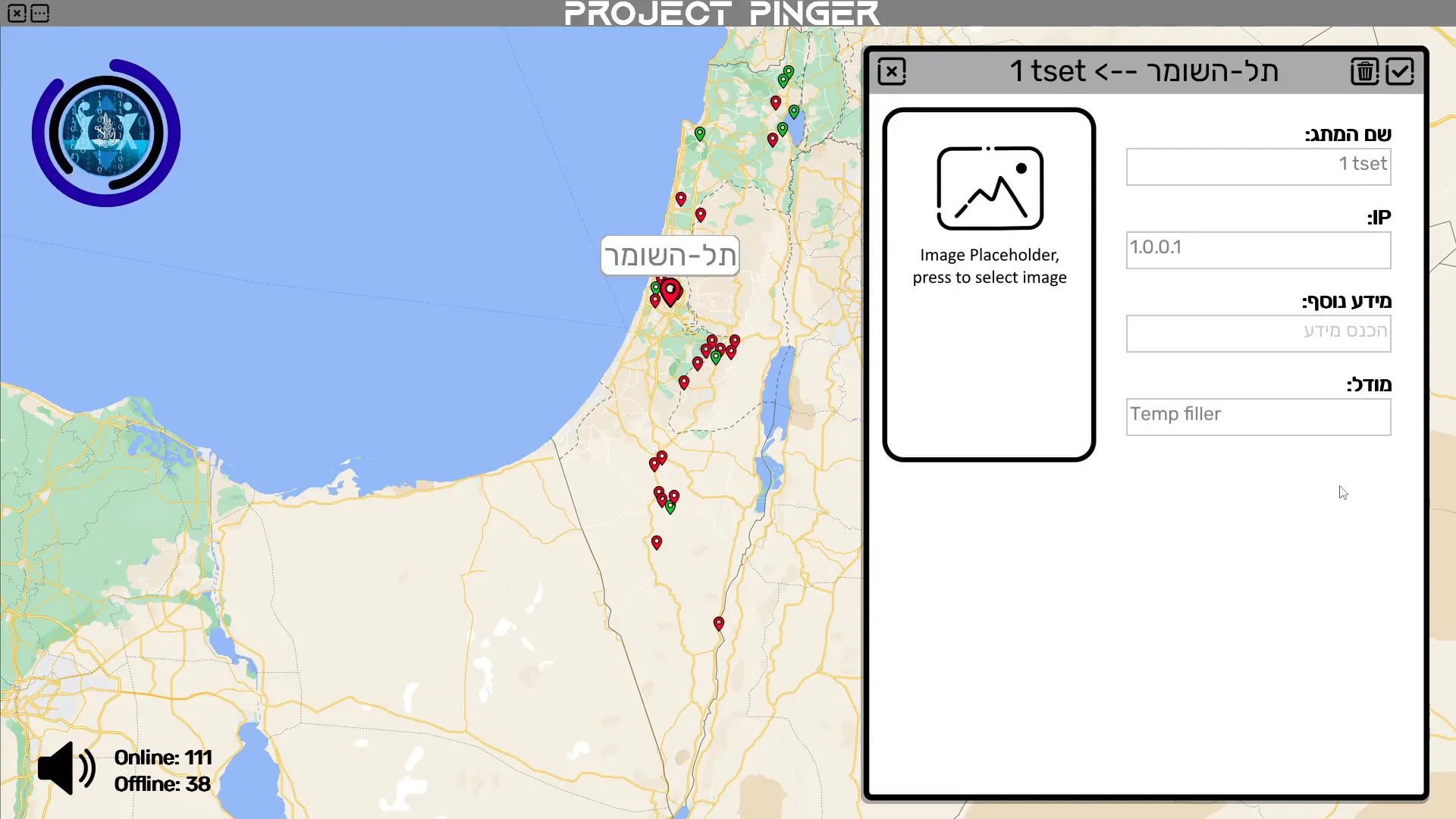
When a switch stops answering, an alarm keeps sounding until someone mutes it, and the switch joins a numbered list of everything that is offline, so the operator sees what dropped and where. Clicking a pin opens that site's switches, and a switch's details can be changed, or the switch deleted, right on screen.
How it came together
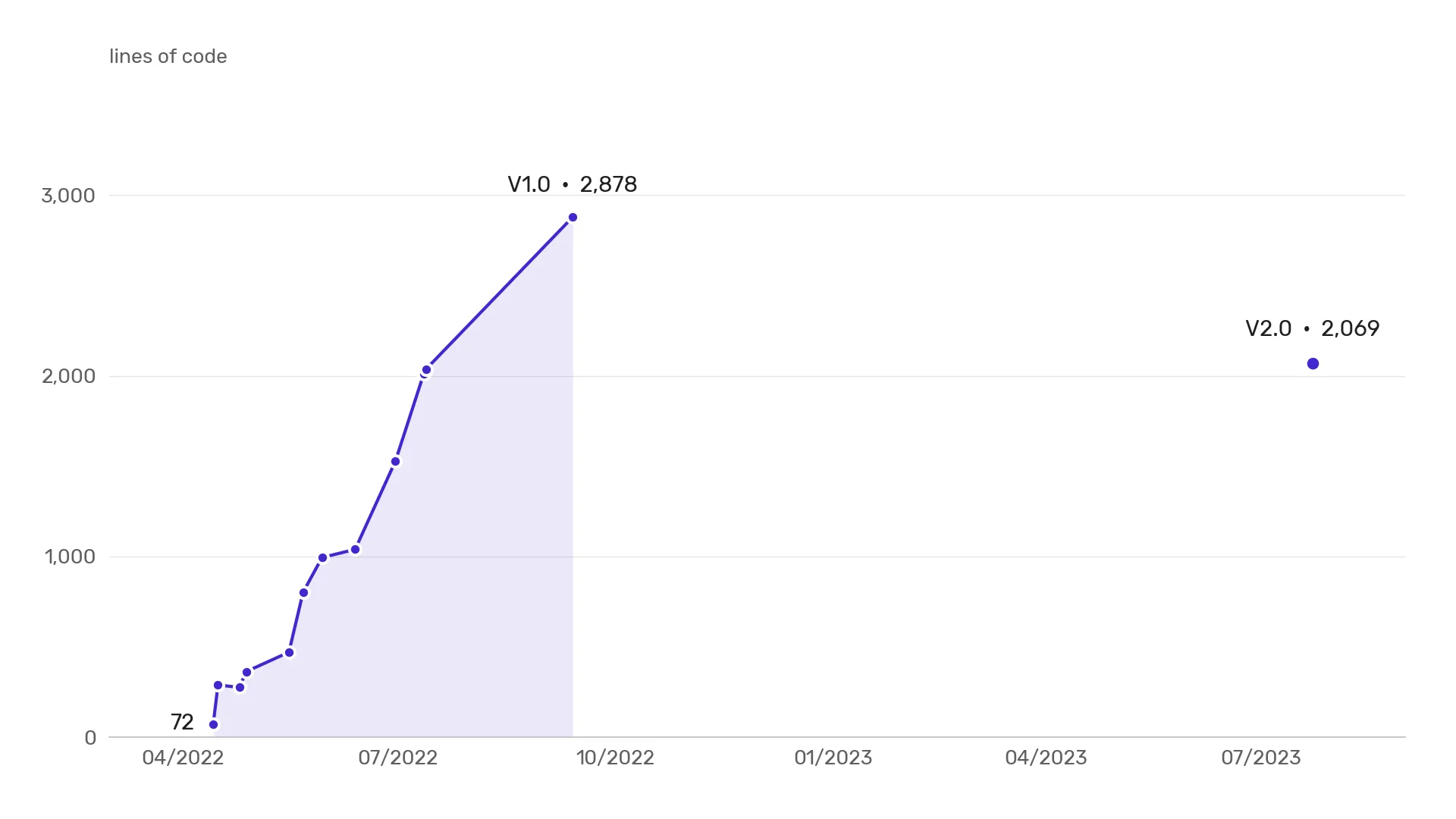
- Apr 2022From a script to a mapA 72-line script pinged each site's main switch in parallel. Two days later it had a full-screen map.
- May 2022Alarm and editorAdded an alarm, a switch editor, each site's list of switches, and four log files that recorded every change.
- Jul 2022First big rewriteReorganised the whole program so every site and switch manages its own data, checks and place on screen.
- Sep 2022V1 released and in serviceStation self-check, three map styles, adding and moving sites, and a single Windows program anyone could run.
- Jun 2023V2 from scratchBegan a clean rewrite on a set of reusable buttons, input boxes and cards that I prototyped first on their own.
- Jul 2023V2 complete and in service2,069 lines with Excel import and export, animated popups and live counters.
03 / Highlights
All sites on a map
Each site is a green or red pin on a map of Israel. Click it to see the switches behind it.
Checks each minute
Each site's switches are checked in the background every 60 seconds and after every edit.
A can't-miss alarm
A dropped switch sounds an alarm until someone mutes it, and joins a numbered offline list.
Edit on screen
Change a switch's name, address, notes or model, or delete it; saving re-checks it at once.
Works with Excel
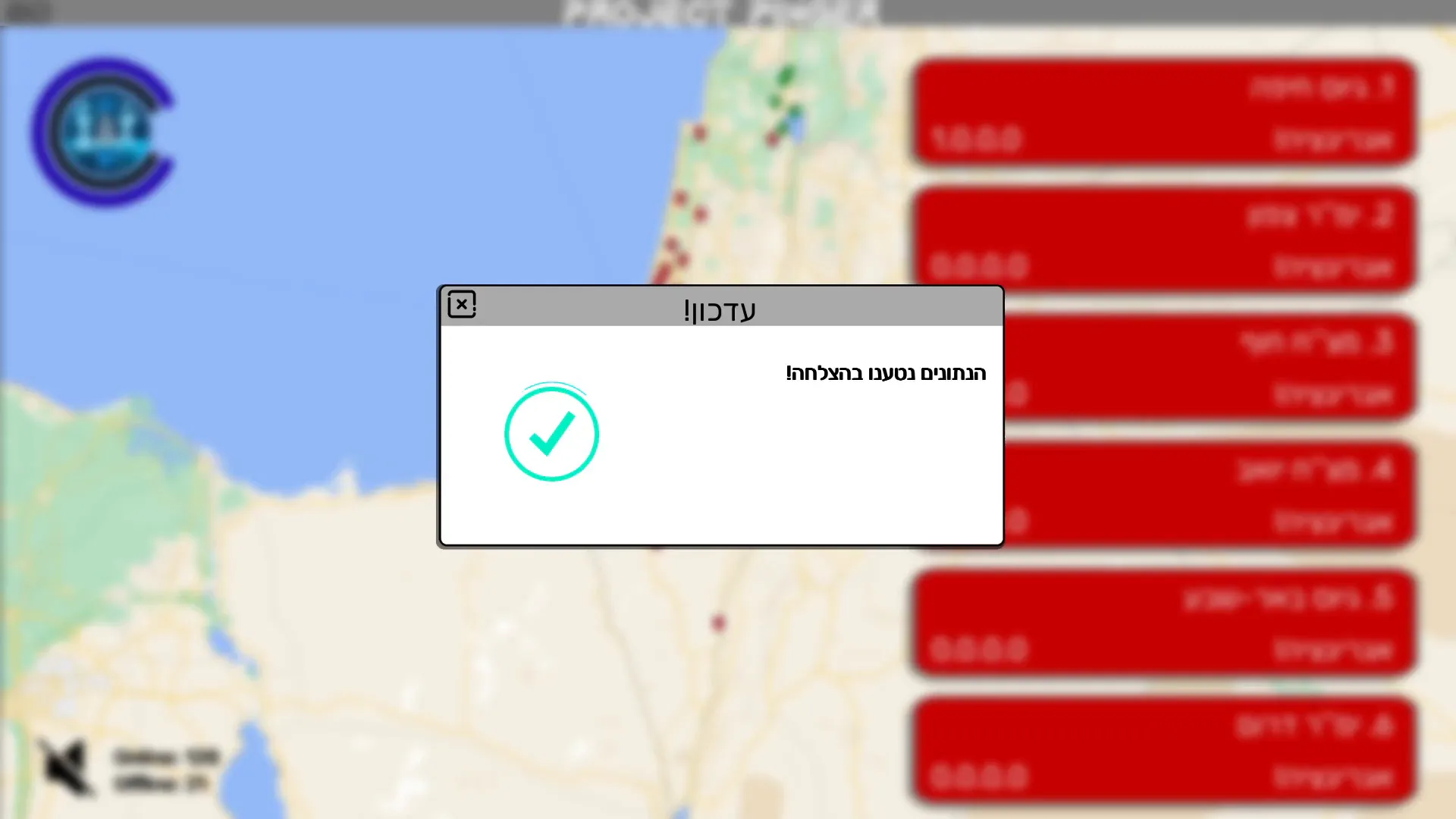
The switch list comes from Excel; Settings can import a new sheet or export a dated copy.
Station self-check
V1 also checked its own connection, so a local fault never looked like a nationwide outage.
04 / Screens
8 screensDesign noteOne layout for any screen: Pinger is laid out at 4K with every position written as a ratio, and rescaled once for the screen it runs on, so the map and the status cards keep their proportions everywhere.

05 / Impact
Pinger replaced a manual routine with automatic checks: more than 300 switches at about 35 sites, each checked every 60 seconds, where a full round by hand used to happen only once or twice every few months. Both versions were used in service by the network team: 7 people on 2 monitoring stations.
It was also my first complete product. In five months I grew it from a first script into a finished V1, and in 2023 I rewrote it from scratch, with much less code. It was a forerunner of a later tool of mine, the Hamal Monitoring App, which took the same idea of a live status screen into operations rooms.
06 / Role and tech
I built Pinger on my own, from the first idea to the finished program: the monitoring logic, the screens and the code behind them, the data files and the Windows build. I kept a dated save at every step, twelve of them before V1, and when the code became hard to change I rewrote it: once in July 2022, and again from scratch in 2023. The network team used both V1 and V2 in service.
Tech
- Python
- pygame
- Pillow
- pandas
- OpenCV
- netifaces
- tkinter
- PyInstaller
- Excel / CSV
How it's built
Pinger is a Python desktop program rendered with pygame. Each site has its own background thread that pings its switches, while separate threads run the alarm, the offline list, the popups and the log files. Every position on screen is laid out at 4K and scaled to whatever screen it runs on, and V1 shipped as a single Windows program built with PyInstaller. In V2 its buttons, input boxes, list cards and map pins are reusable widget classes I wrote, and I reused that code in my later desktop tools. It began as a 72-line script, and V2 is about 800 lines shorter than V1.
Pinger turned a manual ping routine into a map that raises the alarm by itself.
It taught me to take a tool from a first script to a product used in service.